Factory Upgrades and Auto Collect in 2 Player Raid Tycoon
Find factory upgrade prices, locations and purchase chains. Learn how to enable Auto Collect and fix cash collection or purchase problems.
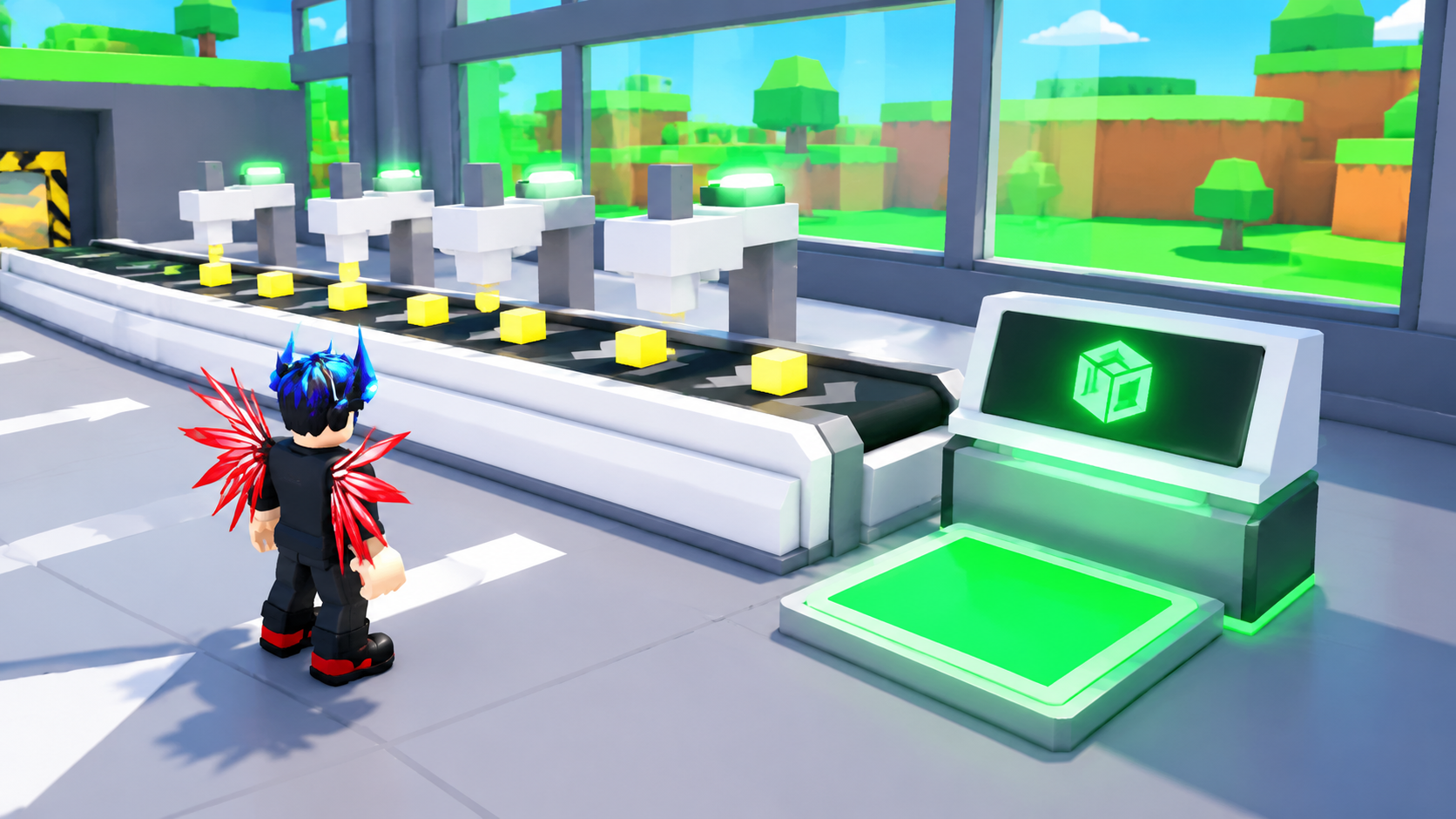
Find the upgrade for your current production line by its name, cash price and location. Several upgrades share a name across different lines, so check the price condition before heading to a purchase pad.
Automatic Dropper starts automatic production, but you still need to collect the income. To automate collection, buy Auto Collect for $25,000 beside your ground-floor collection terminal and check for AUTO on its display. For failed purchases, check your side’s ownership and spendable cash balance.

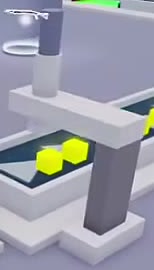
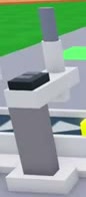
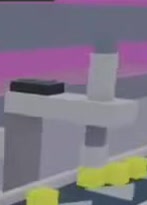
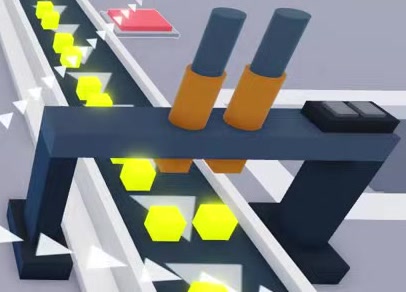
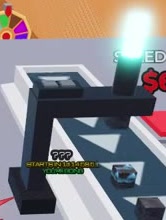
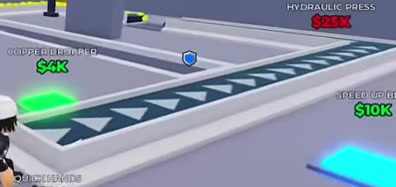
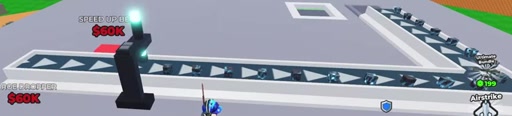
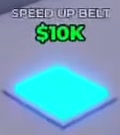
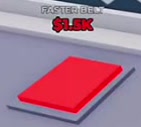
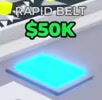
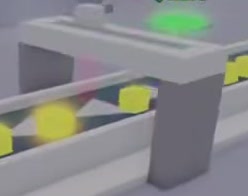
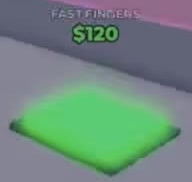
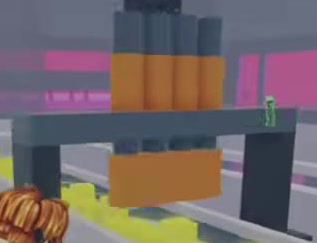
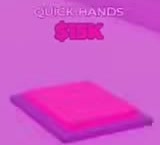
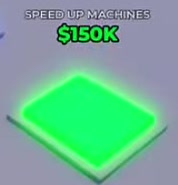
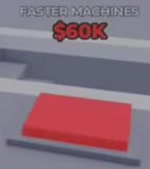
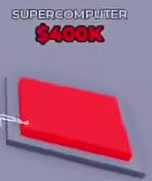
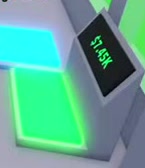
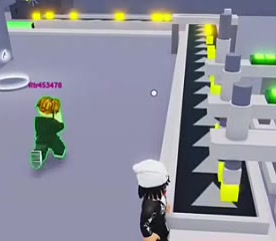
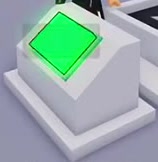
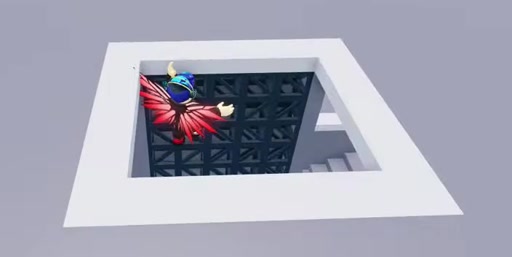
Find factory production upgrades by name and check their cash prices, line conditions and purchase locations.
22 objects
| Name | Purchase price | Production stage | Purchase location |
|---|---|---|---|
| Auto Collect More details | 25000 cash
| — | Beside the ground-floor cash collection terminal.
|
| Dropper · PLACE DROPPER More details | 0 cash
(Starting PLACE DROPPER pad marked FREE)
| Starting line
| — |
| Automatic Dropper More details | 30 cash
| Starting line
| Beside the initial Console and production equipment.
|
| Second Dropper More details | 400 cash
| Starting line
| — |
| Copper Dropper More details | 4000 cash
| Upstairs Belt line
| Green purchase pad on the inner side of the upstairs conveyor.
|
| Twin-Barrel Dropper · Twin Barrel Dropper More details | 12000 cash
| Upper production line
| Green pad beside the upper conveyor corner near the stairs.
|
| Sky Dropper More details | 30000 cash
| Third-floor Sky Belt line
| — |
| Forge Dropper More details | 60000 cash
| Third-floor Sky Belt line
| — |
| Titan Dropper More details | 300000 cash
| Advanced line beside Lightning Taps and Supercomputer
| Purchase pad beside the conveyor.
|
| Upstairs Belt More details | 7500 cash
| — | Under the upstairs windows on the same level as the stair opening.
|
| Sky Belt More details | 75000 cash
| — | Third floor, reached through the opening above the central lattice frame.
|
| Speed Up Belt More details | 300 cash
(Starting production line near the Console)
10000 cash
(Upstairs Belt line)
60000 cash
(Third-floor Sky Belt line)
150000 cash
(Advanced line beside Titan Dropper, Lightning Taps, and Supercomputer)
| — | — |
| Faster Belt More details | 1500 cash
(Early line beside Value Scanner and the $6,000 Faster Machines)
25000 cash
(Upstairs line after its $10,000 Speed Up Belt)
| — | — |
| Rapid Belt More details | 5000 cash
(Early conveyor line near the $6,000 Faster Machines)
50000 cash
(Upper conveyor line; revealed after the $25,000 Faster Belt purchase)
| — | — |
| Value Scanner More details | 1200 cash
| — | Cyan pad outside a starting-line conveyor corner.
|
| Fast Fingers | 120 cash
| — | Green purchase pad near the starting Produce Console.
|
| Hydraulic Press More details | 25000 cash
| — | Blue or cyan purchase pad beside the upper conveyor near its corner and the wall.
|
| Quick Hands More details | 15000 cash
| — | Window-side pad near the end of the upstairs production line.
|
| Speed Up Machines More details | 30000 cash
(Upper production line near Hydraulic Press and the stair opening)
150000 cash
(Advanced line beside the $150,000 Speed Up Belt and Titan Dropper)
| — | — |
| Faster Machines More details | 6000 cash
(Early line near Value Scanner, the $1,500 Faster Belt, and the $5,000 Rapid Belt)
60000 cash
(Upper line after buying Speed Up Machines for $30,000)
| — | — |
| Lightning Taps More details | 200000 cash
| — | Advanced conveyor end beside orange-yellow glowing machinery.
|
| Supercomputer More details | 400000 cash
| — | Advanced production line near Titan Dropper.
|
Auto Collect
- Effect
- Collects production income automatically. (Purchased)
- Activation indicator
- The terminal reads AUTO and cash continues increasing. (Enabled)
- Automates
- Cash Collection Terminal (Purchased)
Dropper
PLACE DROPPER
- Build method
- Step onto PLACE DROPPER to create the initial Dropper, conveyor, and Console.
- Operation
- Use Produce at the Console to put yellow blocks onto the conveyor. (Manual production)
- Creates starting conveyor
- Conveyor
- Provides control point
- Console
- Reveals purchase
- Automatic Dropper (After construction)
Automatic Dropper
- Effect
- Adds automatic production. (Purchased)
- Reveals purchase
- Second Dropper (After purchase)
Second Dropper
- Effect
- Adds another production device beside the conveyor. (Purchased)
- Purchase revealed by
- Automatic Dropper
Copper Dropper
- Purchase revealed by
- Upstairs Belt
Twin-Barrel Dropper
Twin Barrel Dropper
- Appearance
- Dark frame over the conveyor with two orange-gray barrels on top. (Built)
Sky Dropper
- Appearance
- Black frame with glowing cyan-white components. (Built)
- Effect
- Drops blocks onto Sky Belt. (Built)
- Purchase revealed by
- Sky Belt
- Reveals purchase
- Forge Dropper (After construction)
Forge Dropper
- Pad state
- Red below the purchase price; green when affordable. (Before purchase)
- Purchase revealed by
- Sky Dropper
Titan Dropper
- Pad state
- Green when affordable; can turn red after cash is spent on other upgrades. (Before purchase)
Upstairs Belt
- Type
- New conveyor line
- Appearance
- White edges, dark belt surface, and white direction arrows. (Built)
- Reveals purchase
- Copper Dropper (After construction)
- Reveals purchase
- Speed Up Belt (Upstairs-line $10,000 stage)
- Reveals purchase
- Quick Hands (After construction)
Sky Belt
- Type
- New conveyor line
- Appearance
- White-edged conveyor with dark surface, white arrows, and a turning section. (Built)
- Located on
- Third Floor
- Reveals purchase
- Sky Dropper (After construction)
- Reveals purchase
- Speed Up Belt (Sky-line $60,000 stage)
Speed Up Belt
- Type
- Conveyor speed upgrade
- Reveals purchase
- Faster Belt (Starting line: $300 Speed Up Belt reveals the $1,500 stage)
- Reveals purchase
- Faster Belt (Upstairs line: $10,000 Speed Up Belt precedes the $25,000 stage)
Faster Belt
- Type
- Conveyor speed upgrade
- Reveals purchase
- Rapid Belt (Buying the upstairs $25,000 stage reveals Rapid Belt for $50,000)
Rapid Belt
- Type
- Conveyor speed upgrade
Value Scanner
- Appearance
- Scanner gantry spanning the conveyor. (Built)
Hydraulic Press
- Appearance
- Dark multi-column frame with an orange-yellow press head over the production line. (Built)
Quick Hands
- Purchase revealed by
- Upstairs Belt
Speed Up Machines
- Type
- Machine speed upgrade
- Reveals purchase
- Faster Machines (The $30,000 stage reveals Faster Machines for $60,000)
Faster Machines
- Type
- Machine upgrade
Lightning Taps
- Purchase indicator
- The pad disappears after purchase.
Supercomputer
- Insufficient cash behavior
- Displays ERROR: Not enough cash and leaves the purchase pad in place. (Attempted below the $400,000 price)
Find the Upgrade for Your Production Line
Search the directory by the upgrade’s name or alias, then match its price condition and location to the pad in your factory. Search matches names and aliases, so use the item name rather than a location description.
The same name can cover separate purchases on the starting line, upstairs line, third-floor Sky Belt line and advanced line. Read each price with its condition; a cheaper starting-line price does not apply to a pad upstairs.
Use More details, where available, to read additional fields and purchase relationships. Related names describe what reveals an upgrade or what comes next. To find that next item, replace your search with its name. Reset clears the search. The directory’s default order is not a recommended purchase order.
Start Production and Collect Your First Cash
Use the production equipment on the factory side you claimed. If you have not claimed one yet, walk through an available entrance marked WALK IN TO CLAIM THIS SIDE.
- Follow the white ground arrows to PLACE DROPPER, marked FREE, and step onto the pad to build the starting equipment.
- Approach the Console and use Produce. Follow the green CLICK! button or E prompt on desktop; use TAP on mobile.
- Let the yellow blocks travel down the conveyor, then walk onto the green COLLECT! area beside the cash display. This moves accumulated income into your spendable balance.
- Buy Automatic Dropper for $30 cash beside the starting equipment. This reveals the Second Dropper purchase, which costs $400 cash.
Automatic production and automatic collection are separate. Until you buy Auto Collect, keep returning to the collection area even while the machines are running. The terminal’s pending amount is accumulated income, not the value of a single block.
For the broader starting path, see How to Start Playing 2 Player Raid Tycoon.
Follow the Purchase Chain on Your Current Line
When an upgrade pad is missing, check its purchase relationship in the directory. Some pads appear only after you build the equipment or buy the preceding upgrade on that same line.
For example, the upstairs belt upgrades progress from Speed Up Belt to Faster Belt, then Rapid Belt. After each purchase, read the new label and price before stepping onto the pad again. A replacement pad is another purchase, with its own cost.
New conveyor lines also reveal equipment purchases. On the third floor, building Sky Belt opens Sky Dropper; building Sky Dropper then opens Forge Dropper. A newly built conveyor and the machine that feeds it are separate purchases.
Match these relationships to your current line rather than treating every upgrade in the directory as one continuous route. If you need access to the upper production areas, follow the factory floors and roof construction guide.
How to Enable Auto Collect
Auto Collect transfers production income into your balance automatically. It is especially useful if you spend time building upstairs or leave the collection area to raid.
- Return to the cash collection terminal at the end of your ground-floor production line.
- Collect any pending income and make sure your spendable balance has at least $25,000 cash.
- Step onto the adjacent Auto Collect purchase pad.
- Check that the terminal displays AUTO and your cash balance continues increasing.
Seeing the Auto Collect label or standing near its pad does not activate it. If the purchase pad is still present, continue collecting manually until you buy the upgrade. Automatic Dropper keeps production running; Auto Collect handles the income transfer.
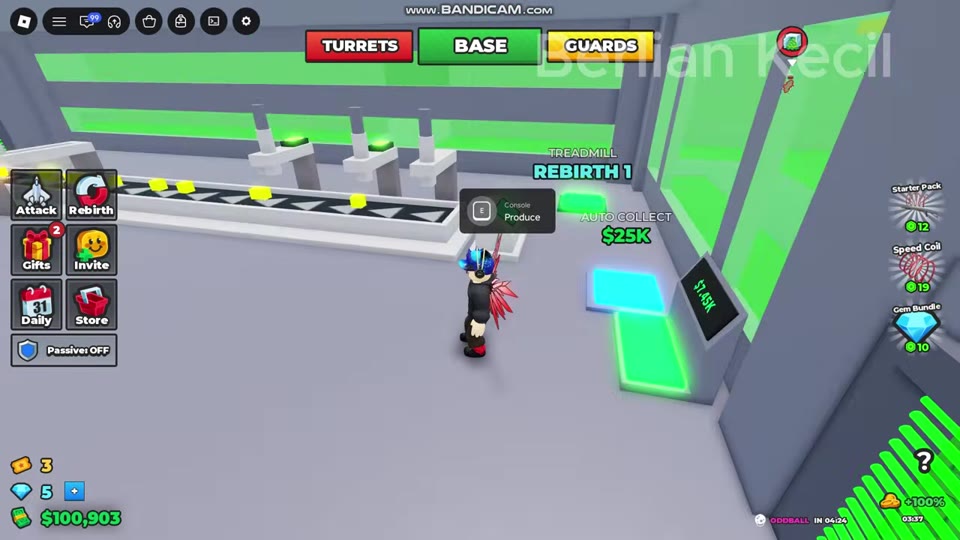
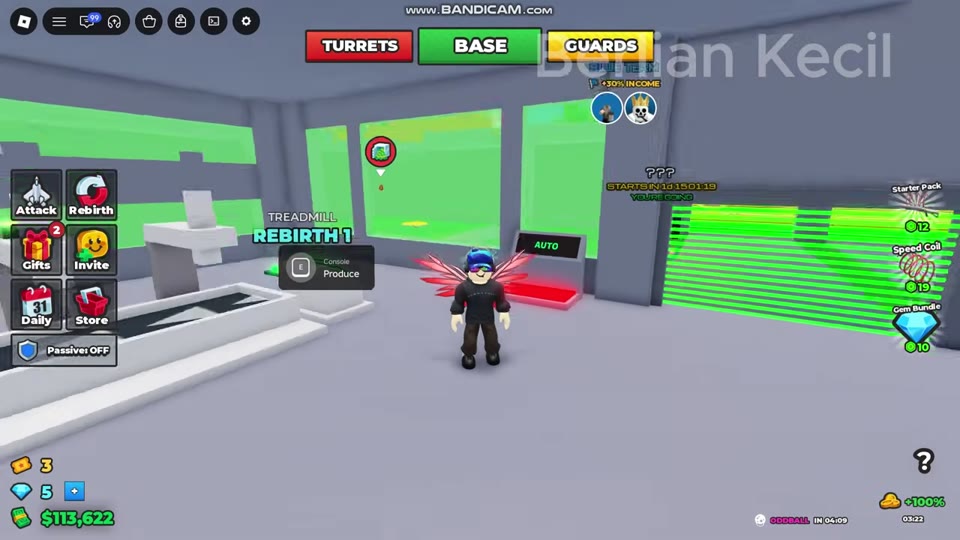
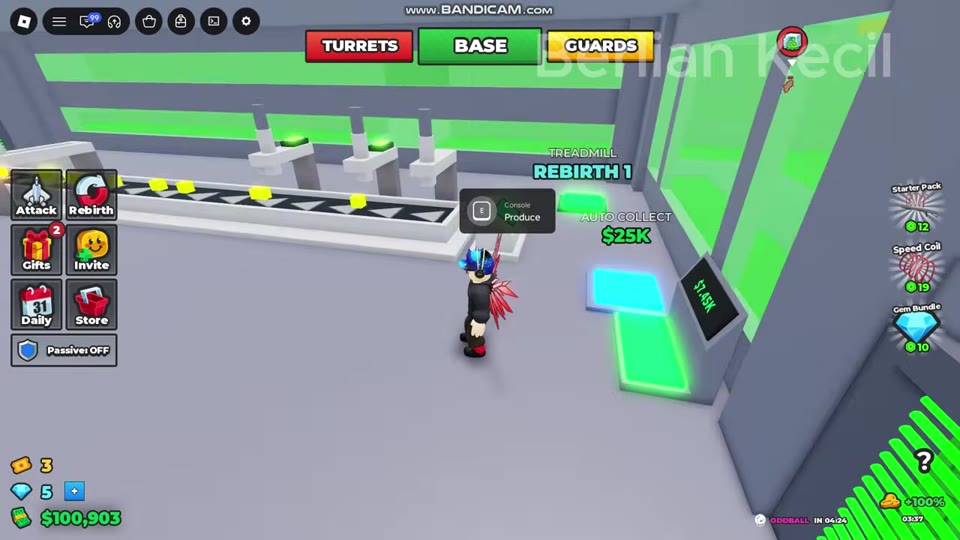 Buy Auto Collect and Check the AUTO Display▶ Watch demonstration
Why a Purchase Pad Does Not Work
Check the message and the pad’s current label before trying again. A color change can mean you can now afford a purchase; it does not mean you have bought it.
| What you see | What to do |
|---|---|
| NOT YOURS or another player’s ownership label | Return to your own factory side and use its corresponding pad. Ownership restrictions also apply upstairs. |
| ERROR: Not enough cash | Collect pending income if needed, then compare your spendable balance with the pad’s full price. Supercomputer requires $400,000 cash. |
| A red pad turns green, cyan, blue or white as your balance rises | Step onto the pad to purchase it. The color change alone is not completion. |
| A new red pad appears immediately after a purchase | Read its new name and price. The previous upgrade may already be installed. |
| LOCKED TREADMILL unlocks at rebirth 1 | Reach Rebirth 1; cash alone does not satisfy this requirement. See rebirth requirements and unlocks. |
A successful purchase can remove the pad, replace its label with the next upgrade, or add equipment to the conveyor. For example, buying the upstairs Faster Belt reveals Rapid Belt. If another insufficient-cash message appears while you remain there, it may be an attempt to buy the newly revealed upgrade rather than a failure of the first purchase.