
Map Objectives and Events: Flag, Oddball and Air Drops
Find the flag, capture it for an income bonus, carry the Oddball until time expires, and open wilderness Supply Drops in 2 Player Raid Tycoon.
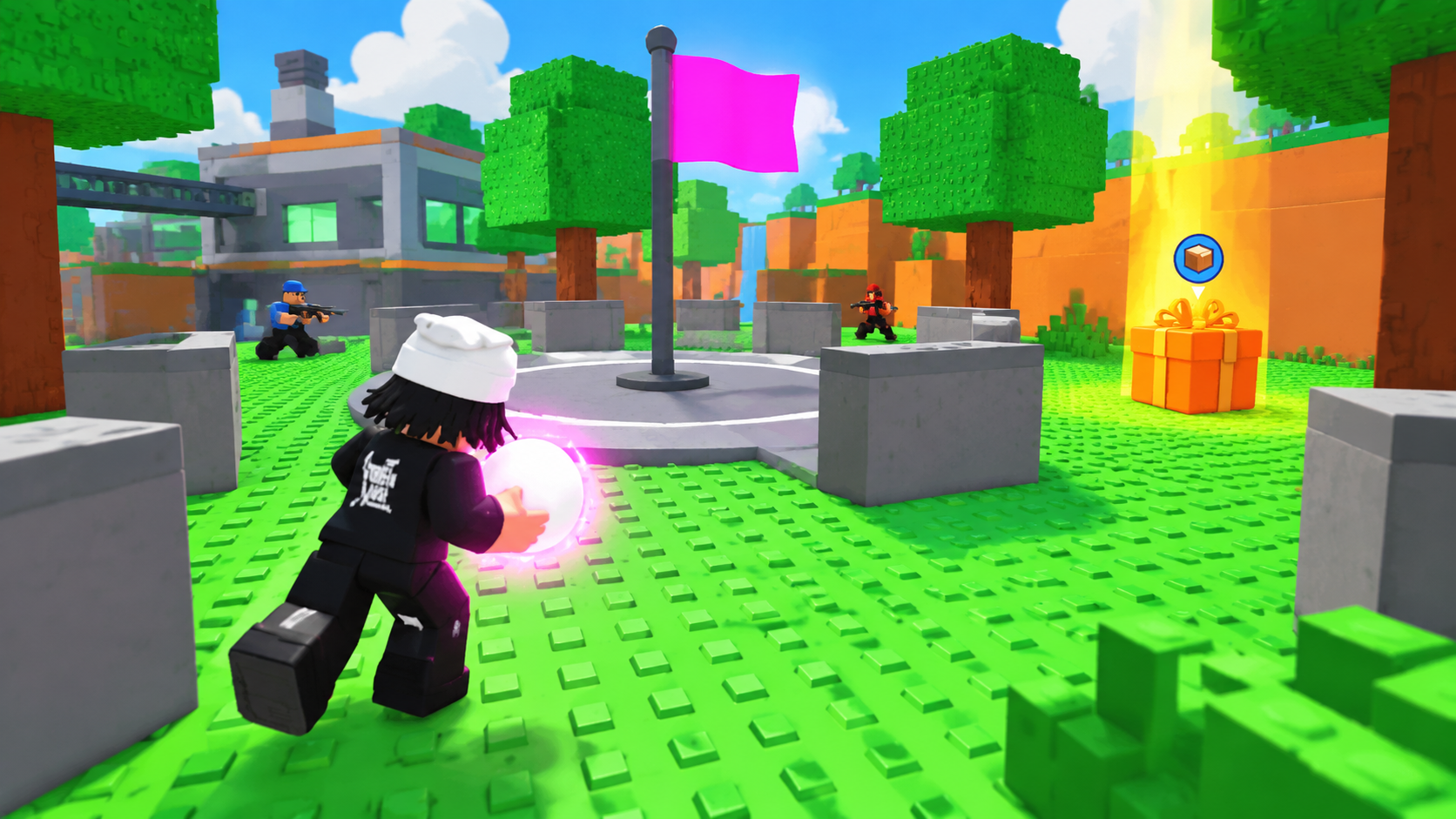
Flag ownership boosts your income, Oddball rewards possession at the end of the timer, and wilderness Supply Drops award cash when opened. Each objective has distinct markers and confirmation messages.
Contest the flagpole until your team's color and capture announcement appear. For Oddball, follow the purple ball marker, confirm CARRYING ODDBALL, and retain possession until time expires. For a wilderness Supply Drop, follow the yellow beam and blue crate marker, then hold E at Open supply drop on desktop.
Read Map Markers and Event Timers
Recurring events appear every few minutes. Check the top-screen announcement for the event name and the lower-right countdown for its remaining time.
| Objective or event | What to look for | What to do |
|---|---|---|
| Flag Capture Point | A team-colored flag and ownership label | Contest the platform and confirm your team's takeover |
| Oddball | A purple ball marker, followed by a carrier announcement | Find the ball and keep it until the timer ends |
| Wilderness Supply Drop | AIR DROP notification, yellow beam, and blue circular crate marker | Reach the orange crate and finish the opening interaction |
| Double Cash Event | DOUBLE CASH has started and a remaining-time display | Use the active window for factory production |
| King of the Hill | Its own start announcement and lower-right timer | Check the named event's remaining time |
Keep the regular flag's ownership indicators separate from the King of the Hill announcement. The flag's income percentage describes flag ownership; it does not establish a King of the Hill reward. A timer labeled LEFT shows time remaining in the current event.
Capture the Flag and Confirm Your Income Bonus
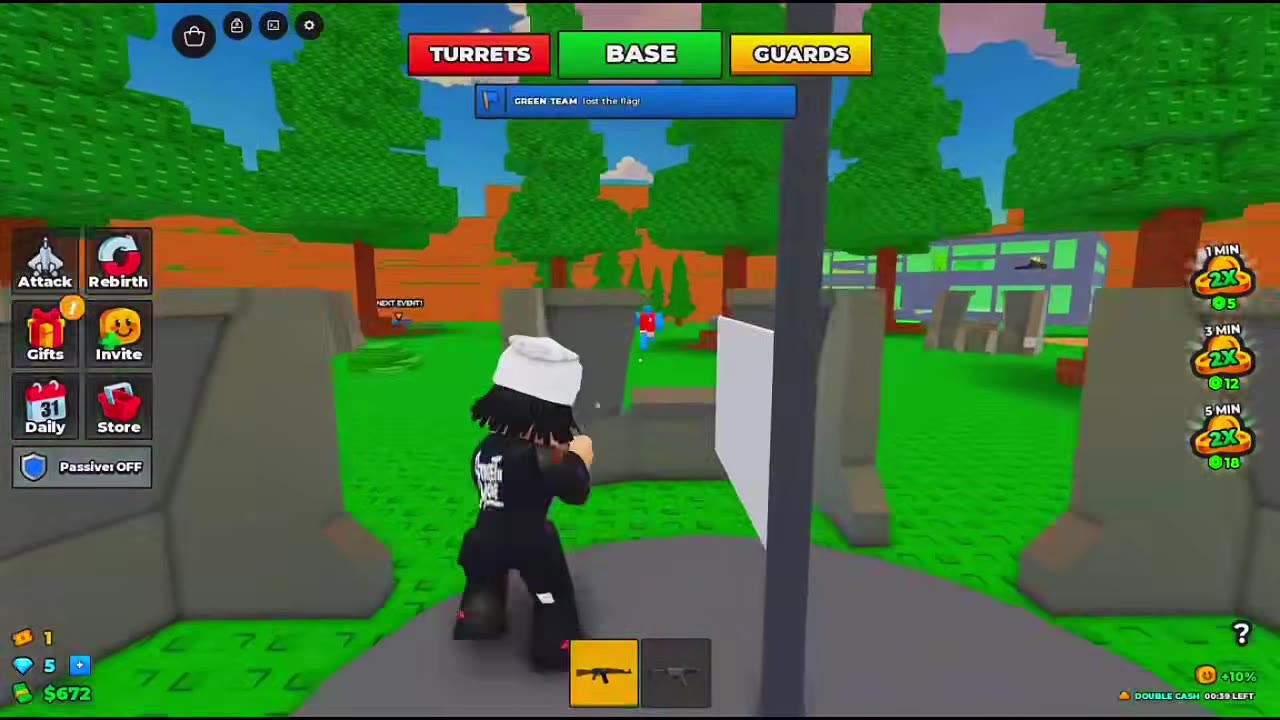
Head for the outdoor flagpole on the wooded high ground. It stands on a circular gray platform surrounded by low concrete cover. Capture appears to depend on staying near the pole: players move and fight nearby while ownership changes.
- Follow the visible flag up the dirt slope, pass between the trees, and cross the low cover onto the platform.
- Stay near the pole while contesting the area. Watch for the previous team's flag to lower and a lost-the-flag announcement.
- Keep contesting when the flag turns white or the label reads UNCLAIMED. That transition means the old owner has lost control; your team still needs to claim it.
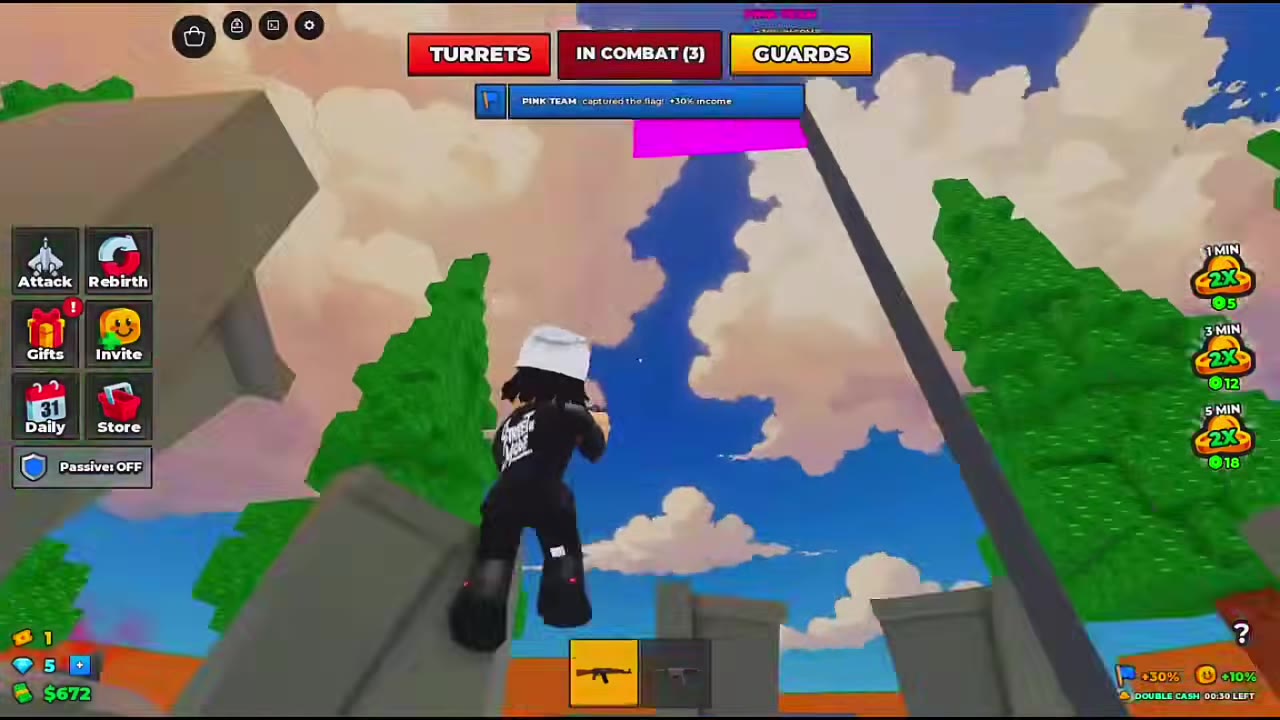
- Confirm the takeover through your team's flag color, ownership label, and captured-the-flag announcement.
- Read the income bonus in the capture banner, above the flag, or beside the lower-right flag icon.
Flag ownership grants +30% income while your team holds the flag. Check the capture announcement, the label above the flag, and the lower-right flag icon to confirm the bonus.
Gunfire and movement can continue during a takeover. Use the surrounding cover while watching the ownership indicators; the white flag alone is not a successful capture. For fighting around contested objectives, see combat tips.
Find the Oddball and Hold It until Time Runs Out
The team holding the Oddball when the event timer ends wins. Picking it up starts your defensive task: retain possession and survive through the countdown.
- When Oddball begins, read the opening objective. Use X to skip the opening sequence if that prompt appears.
- Follow the purple ball-shaped marker. The pickup route shown passes an event sign and enters a ground-level passage between orange slopes.
- Turn through the passage toward the gray circular platform. Approach the white ball with the pink glow.
- Confirm possession: the ball floats above your head, your character gains a pink-purple highlight, and CARRYING ODDBALL replaces BASE. A carrier announcement also appears.
- Move with the ball and watch the SURVIVE countdown. Keep possession until the event timer expires.
You can remain armed while carrying the ball. One carrier returns through the pink factory entrance, heads upstairs, and later moves beside the factory's outer wall while holding a rifle. Returning to your factory is a possible defensive route, not a required delivery step.
Choose your position with the remaining time in mind: once you have the ball, protecting possession serves the win condition. Watch for BASE UNDER ATTACK alerts even inside your factory—the carrier's base can still come under fire. See base defenses and power warnings for help responding.
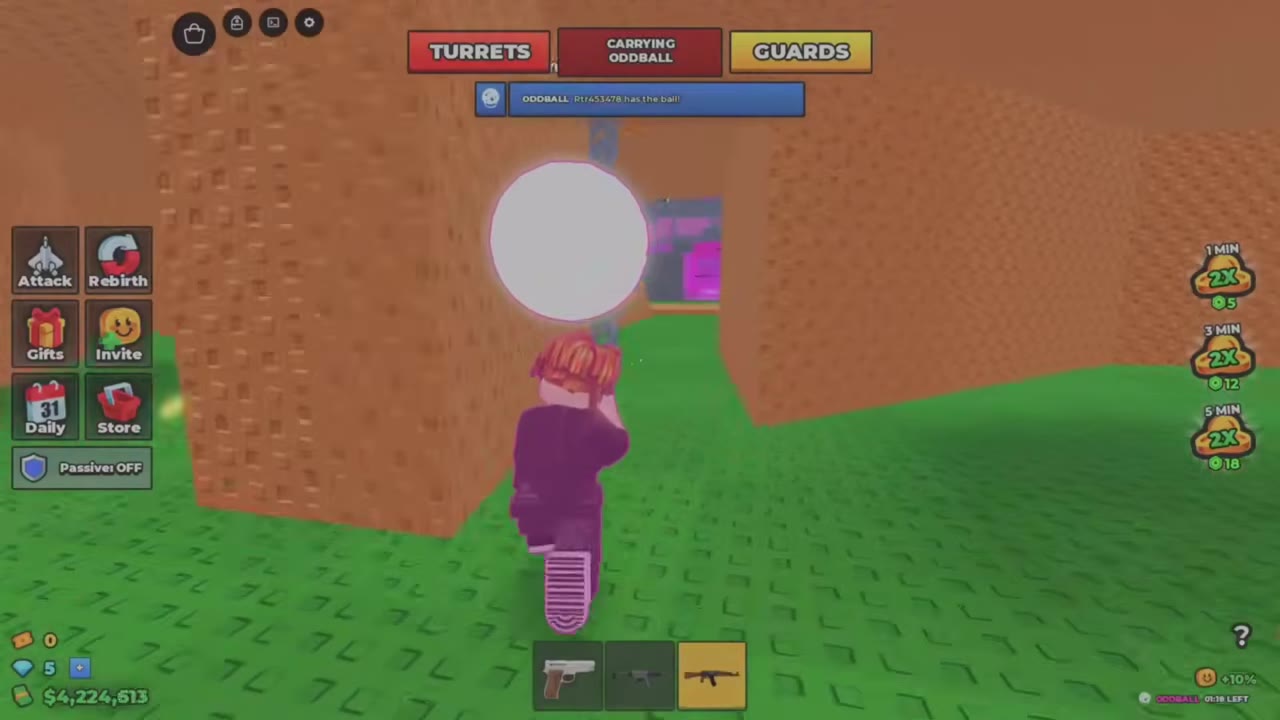 Follow the Oddball Marker and Pick Up the Ball▶ Watch demonstration
Find and Open a Wilderness Supply Drop
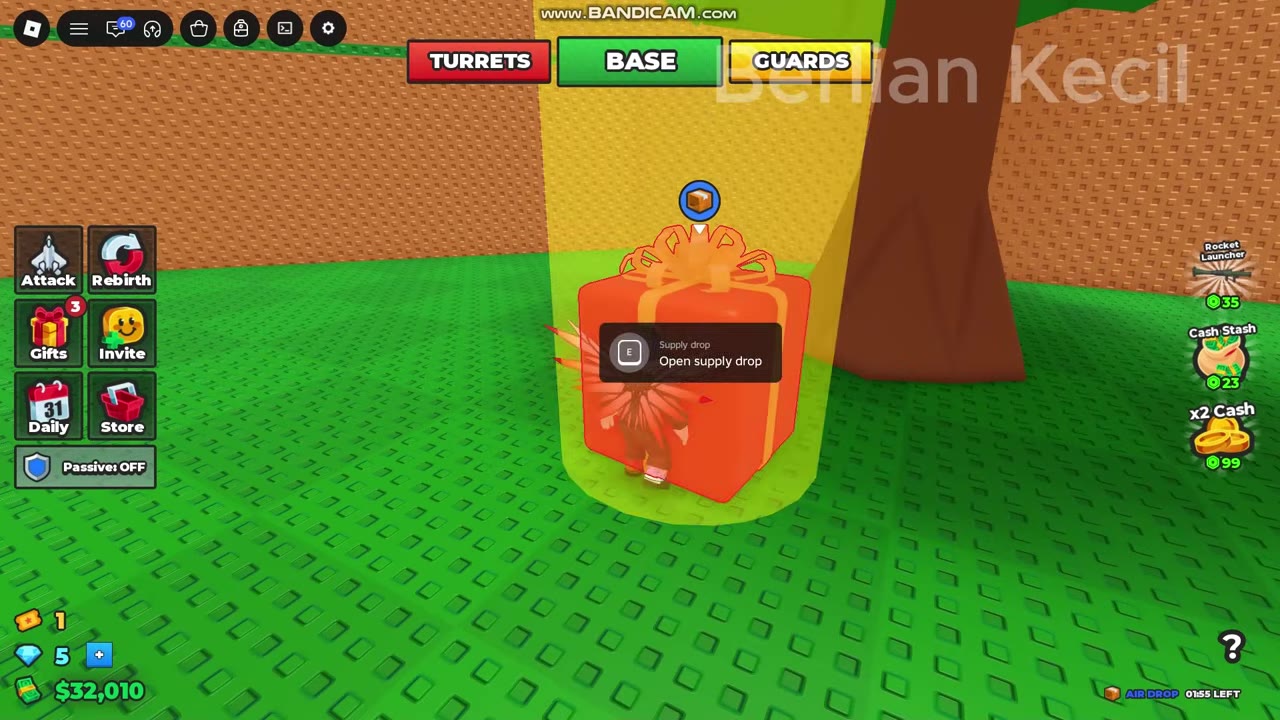
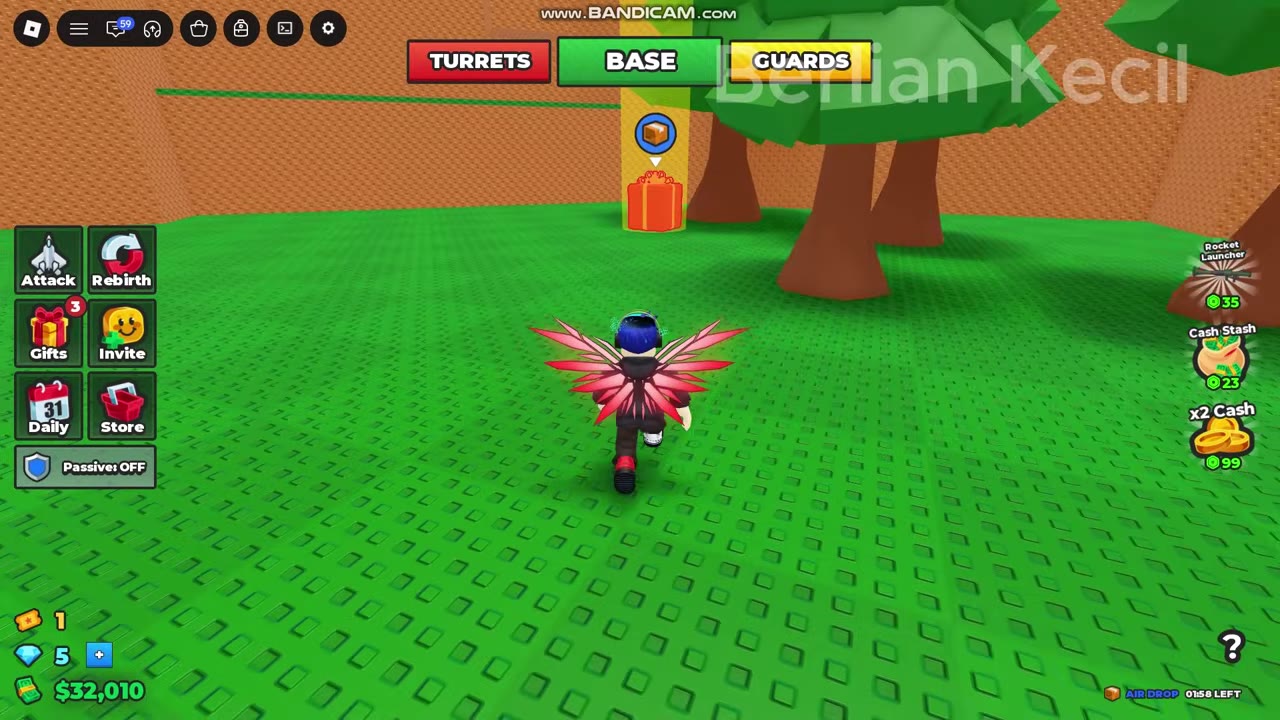
Look for an orange gift-like crate beneath a yellow light beam, with a blue circular crate marker overhead. Reach it before the AIR DROP countdown ends.
- Check the AIR DROP notification, then leave your factory and follow the marker and beam.
- Approach the crate among the trees. In the opening shown, the player exits through a green barrier, circles the factory's outer wall, and reaches the trees beside the orange perimeter wall.
- Move close enough for Open supply drop to appear. On desktop, hold E until the circular interaction progress finishes.
- Confirm completion when the crate and beam disappear and the cash animation and SUPPLY DROP reward message appear.
One opening awards $24,750 cash. That amount is the result of that particular opening; read your reward message for your payout.
Other players may gather around the crate, so check the area before committing to the hold interaction.
The orange wilderness crate is separate from the green, gray-banded crate delivered to a rooftop Helipad. If you are looking for that delivery, see Helipad construction and rooftop access.
 Find a Supply Drop and Hold E to Open It▶ Watch demonstration
Use the Double Cash Event Window
DOUBLE CASH has started announces the timed double-cash event. Check the lower-right display to see how much of the window remains.
Continue earning through factory production while the event is active. At the green console beside the conveyor, use the displayed E: Produce interaction on desktop. If you are staying at your factory instead of contesting an outdoor objective, this is a useful window to focus on production and upgrades.
For production purchase chains and collecting your earnings, see factory upgrades and Auto Collect.