
How to Use the Loadout Cabinet and Keep Guns After Death
Last updated:
Buy the $2,500 Loadout Cabinet after Shotgun, select owned guns in CARRYING, and unlock extra slots at Rebirth 1 and 3 for combat respawns.
After Shotgun, buy the $2,500 Loadout Cabinet beside the ground-floor stairs. Use Open, click or drag owned guns into CARRYING, and those guns will return when you respawn after combat. Rebirth 1 and 3 unlock the second and third slots.
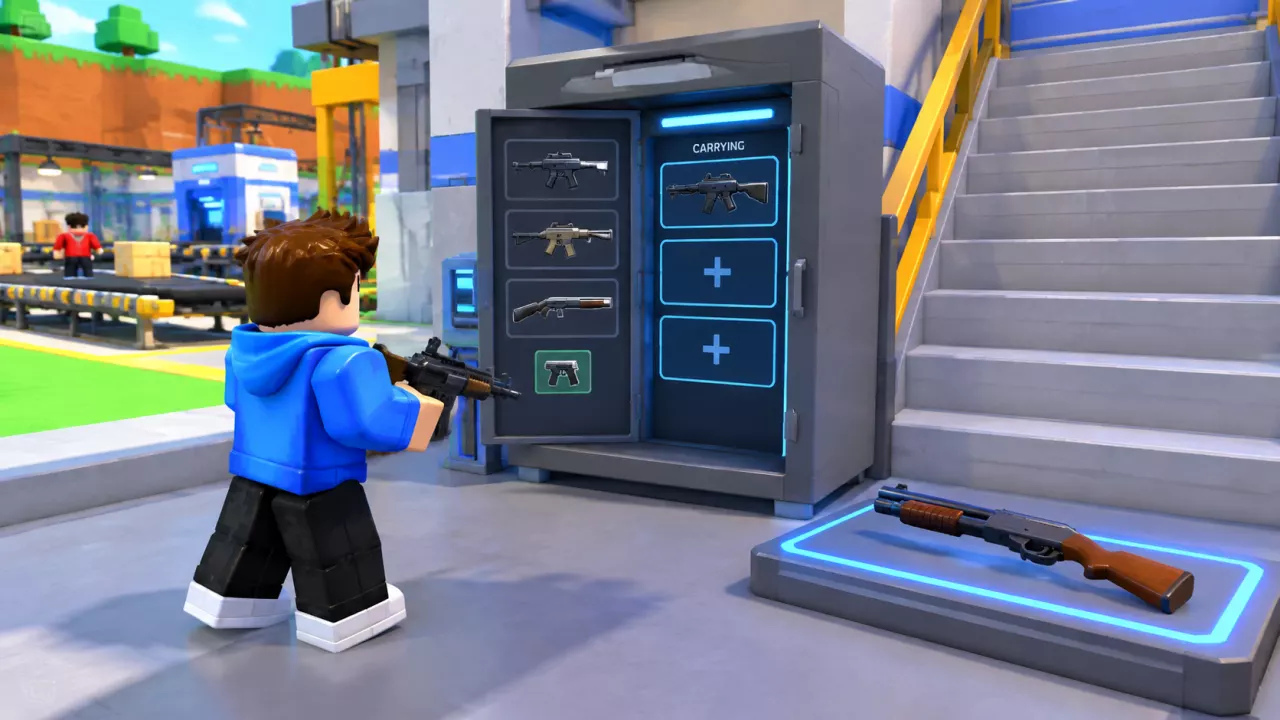
The Loadout Cabinet brings selected guns back after a combat death, saving a trip to their factory givers. Its carrying slots and weapon cards have separate unlock requirements.
Buy the cabinet after Shotgun
- Buy Shotgun at its factory purchase point to unlock the Loadout Cabinet purchase.
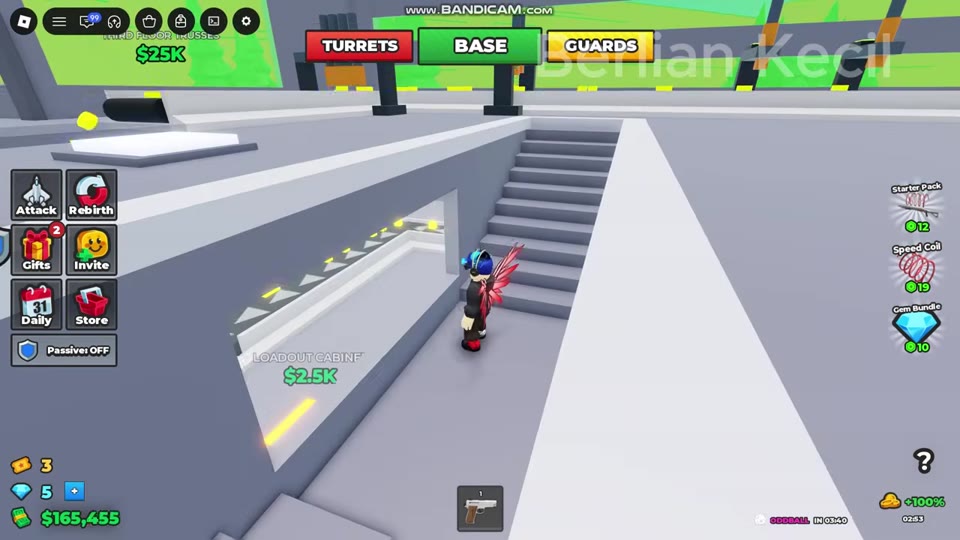
- Find the yellow LOADOUT CABINET pad beside the ground-floor factory stairs.
- Purchase the cabinet at the pad for $2,500 cash.
Put owned guns in CARRYING
- Approach the gray Loadout Cabinet and use Open.
- In LOADOUT, click an owned gun or drag it into an available CARRYING slot.
- Check that the gun appears in CARRYING before leaving. A green weapon card alone does not show that it is in your loadout.
- If LOADOUT says you do not own the gun, buy it at its factory giver, then return and select it. The weapon locations guide covers where to get guns.
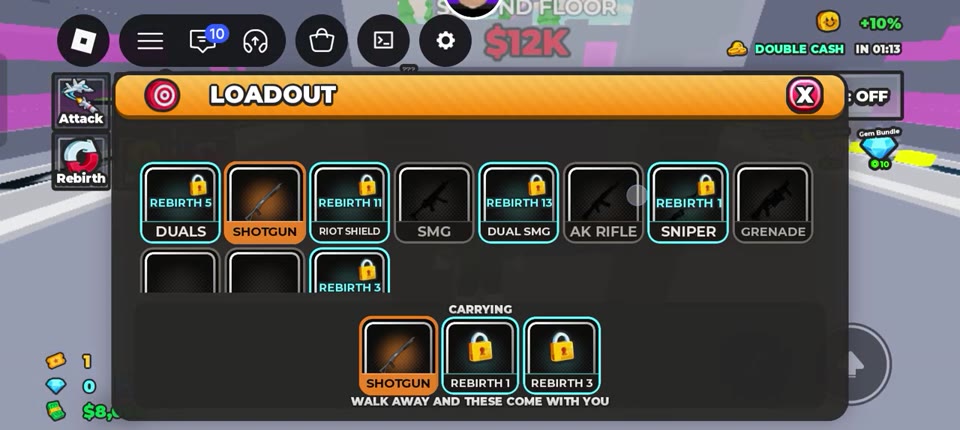
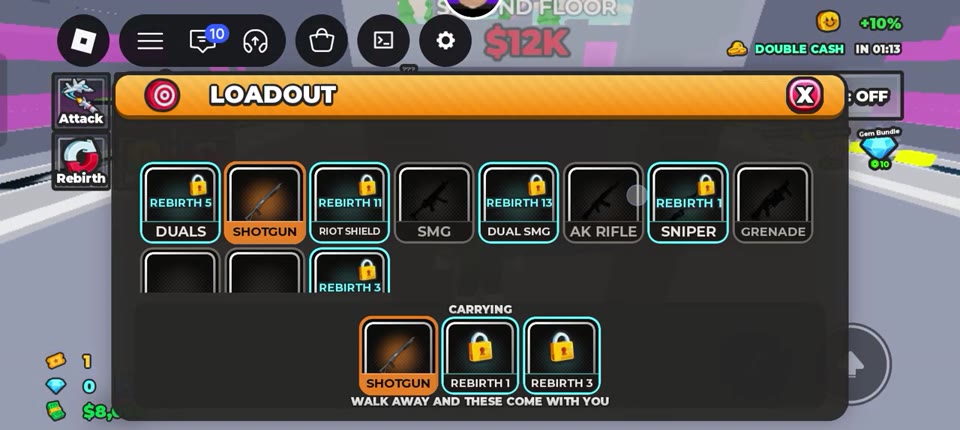 Open LOADOUT and check the CARRYING slots▶ Watch demonstration
Unlock more carrying slots
| Rebirth progress | Available CARRYING slots |
|---|---|
| Before Rebirth 1 | 1 |
| Rebirth 1–2 | 2 |
| Rebirth 3 or higher | 3 |
A slot unlock does not unlock every gun. For example, SNIPER requires Rebirth 1, while DUALS requires Rebirth 5. Clear the gun's own requirement and obtain it before adding it to an open slot. See the Rebirth guide for the progression requirements.
Check your loadout after a combat respawn
Guns stored in CARRYING return with each combat respawn. If a gun is missing:
- Check your hotbar, then reopen LOADOUT to see whether the gun is in CARRYING.
- If it is absent, check its slot and ownership requirements. Obtain an unowned gun at its giver before selecting it again.
- Use an accessible factory giver to rearm when needed.
This cabinet behavior applies to ordinary combat respawns. Rebirth has separate reset and unlock rules.