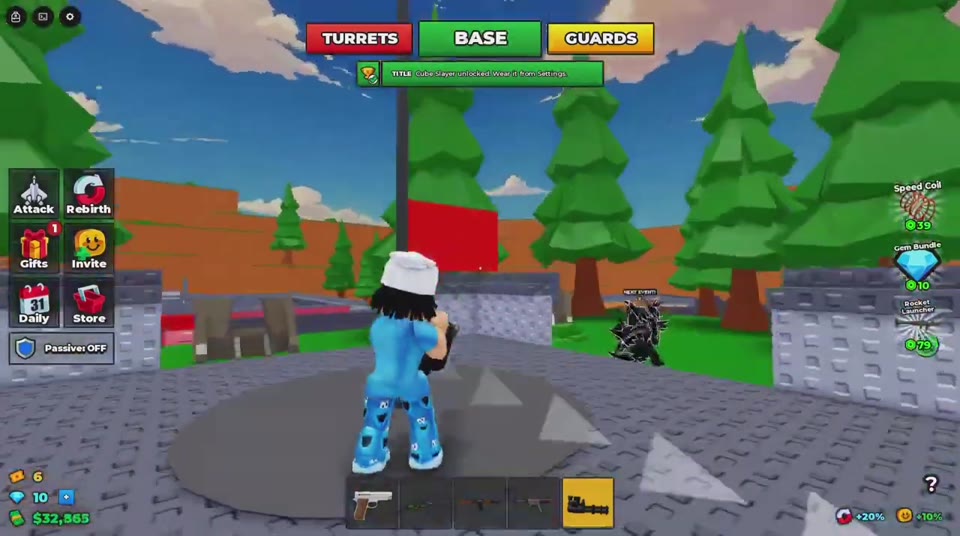
Boss Cube Phases and the Cube Slayer Title
Last updated:
Fight an active Boss Cube, recognize its three phases, watch beams and fireballs, and find the Cube Slayer title in Settings after its unlock prompt.
Equip a firearm, aim upward at BOSS CUBE, and keep tracking it as you move. Watch your health alongside the rotating beams and falling fireballs. After the final phase, look for the Cube Slayer unlock prompt; when it appears, open Settings to equip the title.
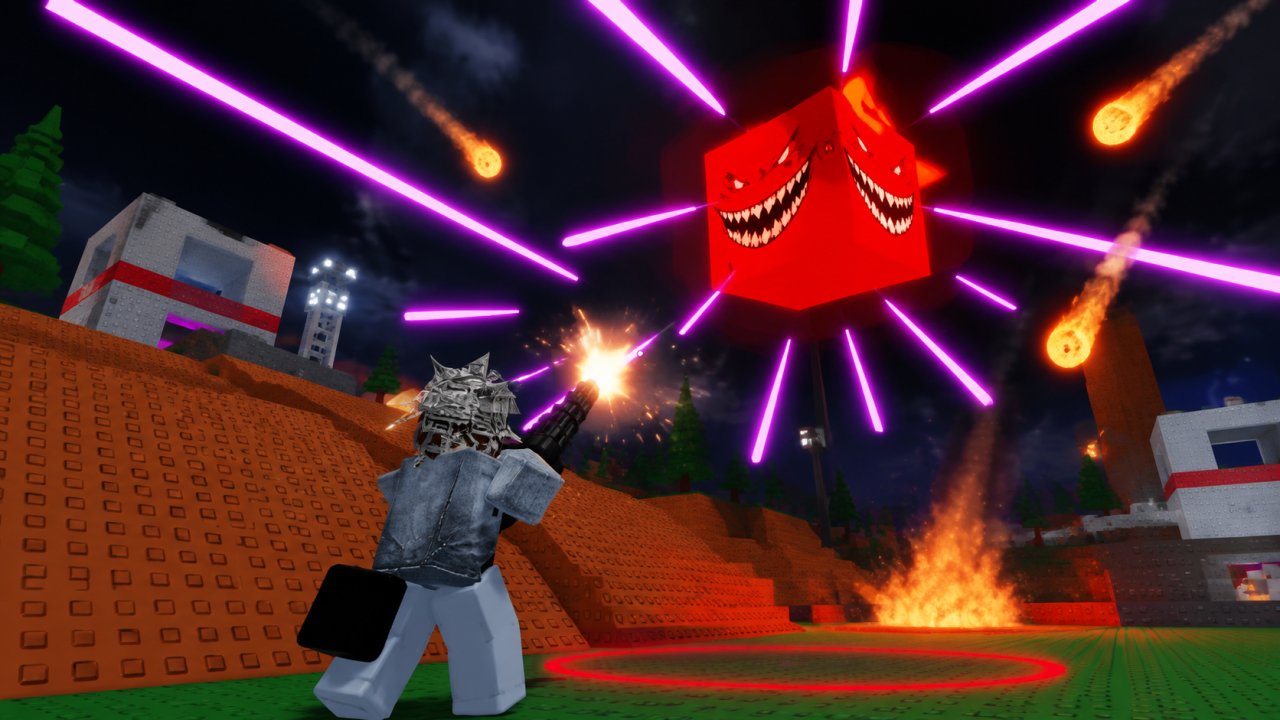
Boss Cube floats above the battlefield and changes from a yellow smiling cube to a purple cube, then a red cube with fangs. Watch its phase label while attacking, and check for the Cube Slayer unlock when the fight ends.
Aim at the Airborne Boss Cube
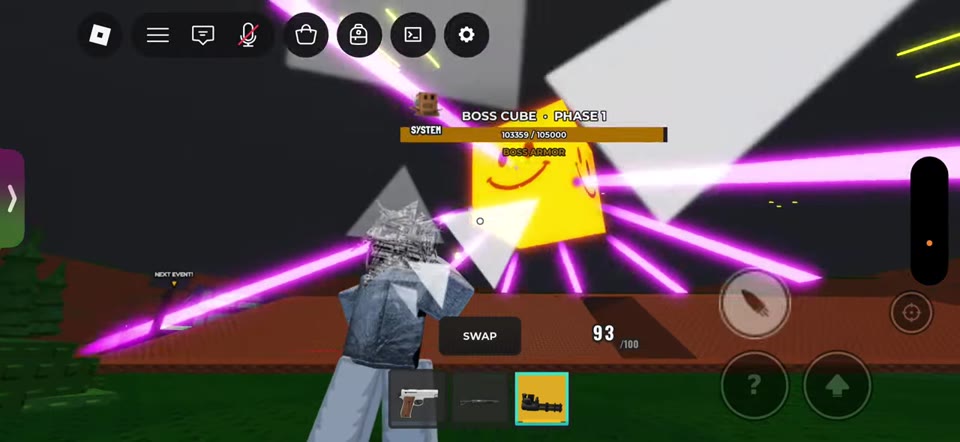
During an active battle, look above the arena for BOSS CUBE, its phase label, and its health bar. BOSS ARMOR appears beneath the bar.
- Equip an available firearm. If you need one, check where to get weapons.
- Tilt your camera upward and place your crosshair on the cube.
- Fire while keeping the cube in view. On mobile, use the bullet-icon fire button on the right side of the screen.
- Adjust your aim as you move across the ground and slopes. Keep checking your own health bar, especially when the screen flashes red.
The demonstrations use both a multi-barrel gun and a rifle-shaped gun. Start with a firearm you already have available. For help with switching weapons and aiming, see combat controls and movement.
Recognize the Three Phases
Read the phase label above the cube as its appearance changes.
| Phase label | Appearance |
|---|---|
| PHASE 1 | Glowing yellow cube with smiling faces |
| PHASE 2 | Purple cube |
| PHASE 3 | Red cube with a fanged face, following a bright transformation |
Both demonstrated encounters show 105,000 HP as the maximum and enter PHASE 3 at 26,250 HP remaining—25% of that total. Use these as reference readings for those encounters.
The bright transformation marks the start of the final phase. Keep following the cube with your aim and continue attacking after it turns red; the color change does not end the fight.
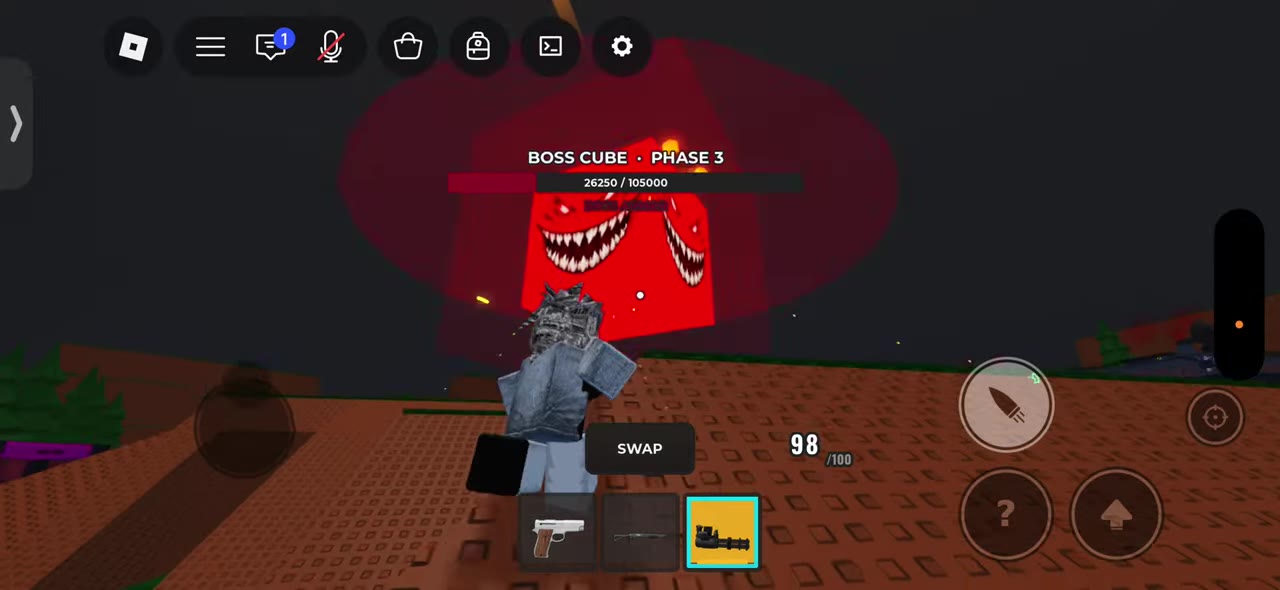 Boss Cube Changes from Phase 2 to Phase 3▶ Watch demonstration
Watch the Beams, Fireballs, and Your Health
Keep checking the space around your character while aiming upward. The main visual signals are:
- Purple beams: These radiate from points around the cube and change angle as it rotates. Thin lines alternate with brighter, thicker beams, so keep adjusting your position as their direction changes.
- Fireballs: Glowing objects with orange trails descend around the arena, followed by flames or smoke. They appear to be attacks from the boss.
- Red ground effects: Red strips and circles appear during the battle. Give these areas space when practical, and watch your health rather than treating them as a timed dodge cue.
Players take damage while moving and jumping near slopes, so do not rely on a slope or repeated jumps to keep you safe. If your screen flashes red or your health drops, change position while keeping track of the cube.
You may also see AIR SUPPORT INCOMING or AIRSTRIKE INBOUND. Fire effects can appear before those notices, so stay alert even when no warning is displayed.
Find Cube Slayer in Settings After the Fight
Continue attacking through PHASE 3. When the battle ends and the arena returns to daylight:
- Look for the Cube Slayer title unlock notification.
- Once it appears, open Settings, the equip location named in the notification.
- Find the title's equip option and wear it.
The equipped title displays CUBE SLAYER above your character. After the fight, you can return to the map's Flag, Oddball, and Air Drop objectives.