
2 Player Raid Tycoon Guards: Recruitment, Rarities and Roster
Search guards by name or rarity, check roll chances, get recruitment tickets, and learn how to equip guards and compare NOOB with POLICE.
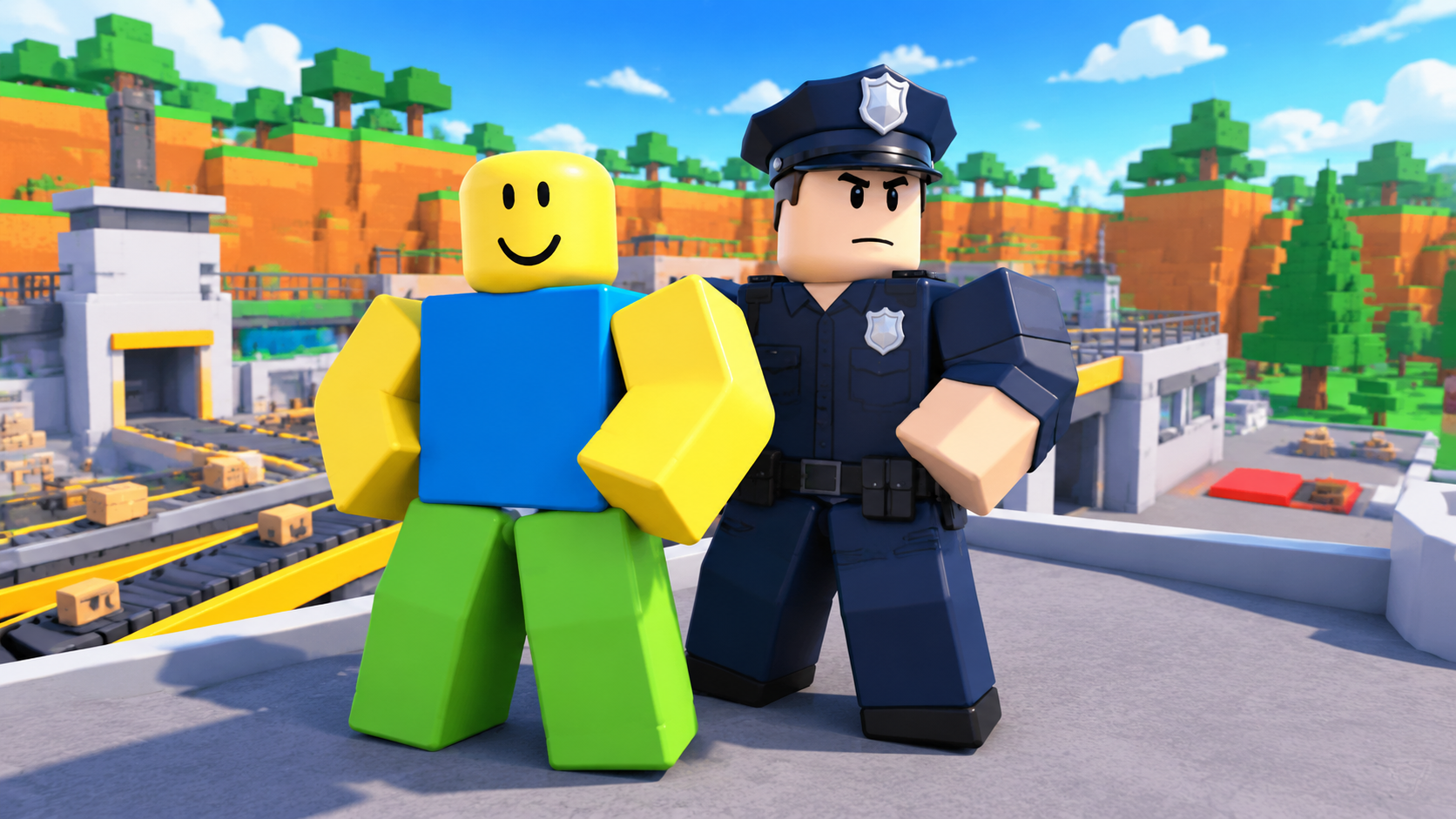
Guards help defend your factory, and each recruitment ticket gives you one random guard to keep. The roster includes ten guards, with rarity filters and individual attributes where available.
Open GUARDS → GET GUARDS → ROLL 1 with at least one ticket. Select CONFIRM after the reveal, then check for EQUIPPED in MY GUARDS; select a guard and use EQUIP if needed. For the displayed NOOB and POLICE attributes, POLICE has higher health, shield and attack.
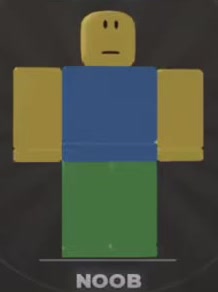


Find guards by name and rarity, with available recruitment attributes shown alongside each guard.
10 objects
| Name | Rarity | Health | Shield | Attack |
|---|---|---|---|---|
| NOOB · Noob Guard More details | Common
| 100
(Displayed first recruitment result; roster shows 0 stars)
| 0 %
(Displayed first recruitment result; roster shows 0 stars)
| 8
(Displayed first recruitment result; roster shows 0 stars)
|
| THUG More details | Common
| — | — | — |
| WW2 SOLDIER More details | Uncommon
| — | — | — |
| POLICE More details | Rare
| 125
(Displayed recruitment attributes)
| 5 %
(Displayed recruitment attributes)
| 9.6
(Displayed recruitment attributes)
|
| BLACK MESA More details | Rare
| — | — | — |
| VIETNAM SOLDIER More details | Rare
| — | — | — |
| SENTINEL More details | Epic
| — | — | — |
| VANGUARD More details | Epic
| — | — | — |
| BLACK OPS More details | Legendary
| — | — | — |
| TRIANGLE More details | Legendary
| — | — | — |
NOOB
Noob Guard
- Appearance
- Yellow head and hands, blue shirt and green trousers
- Lightning-icon value
- 150 (Displayed first recruitment result; roster shows 0 stars)
- Stars
- 0 stars (Roster immediately after the first recruitment)
- Owned
- 1 guard (Roster immediately after the first recruitment)
- Equipment state
- EQUIPPED after CONFIRM (Demonstrated first recruitment)
THUG
- Appearance
- Dark shirt and red trousers (Recruitment directory)
WW2 SOLDIER
- Appearance
- Green military uniform (Recruitment directory)
POLICE
- Appearance
- Dark police uniform and police cap
- Lightning-icon value
- 150 (Displayed recruitment attributes)
- Equipment state
- EQUIPPED alongside NOOB (Roster after the second demonstrated recruitment)
BLACK MESA
- Appearance
- Dark equipment (Recruitment directory)
VIETNAM SOLDIER
- Appearance
- Green military uniform and helmet (Recruitment directory)
SENTINEL
- Appearance
- Black-gray armor (Recruitment directory)
VANGUARD
- Appearance
- Heavy green armor (Recruitment directory)
BLACK OPS
- Appearance
- Black tactical equipment (Recruitment directory)
TRIANGLE
- Appearance
- Pink clothing and a black face mask (Recruitment directory)
Find a Guard by Name or Rarity
Use this page’s roster search to find a guard by name or alias, or use the rarity filter to narrow the results. Search and filtering work together, so clear your search when switching from one guard to an entire rarity category. Reset clears your selections.
The overview shows rarity, health, shield and attack. Use More details where available for additional attributes and their conditions. A blank attribute does not mean zero, and the roster’s default order is not a strength ranking.
Get Tickets and Recruit a Guard
You need one recruitment ticket per roll. In the game, GET A GUARD includes GET TICKETS and a free-ticket countdown.
You can also earn a ticket through Gifts → Play Rewards. Stay in the same server to unlock rewards, then select Claim when the reward is ready. The 30-minute reward claim on the panel labeled 1 MIN INCOME gives one guard ticket alongside cash. See Daily Rewards and Play Rewards for the reward schedules and claim conditions.
Once you have a ticket:
- Open GUARDS at the top of the screen to enter MY GUARDS.
- Select GET GUARDS to open GET A GUARD.
- Select ROLL 1 to spend one ticket and recruit one random guard.
- Watch the reveal, or select SKIP REVEAL, then check your guard’s name and attributes.
- Select CONFIRM to return to MY GUARDS and check its equipment status.
The roll adds the result to your collection. The first recruitment example produces NOOB, but your roll can produce a different guard.
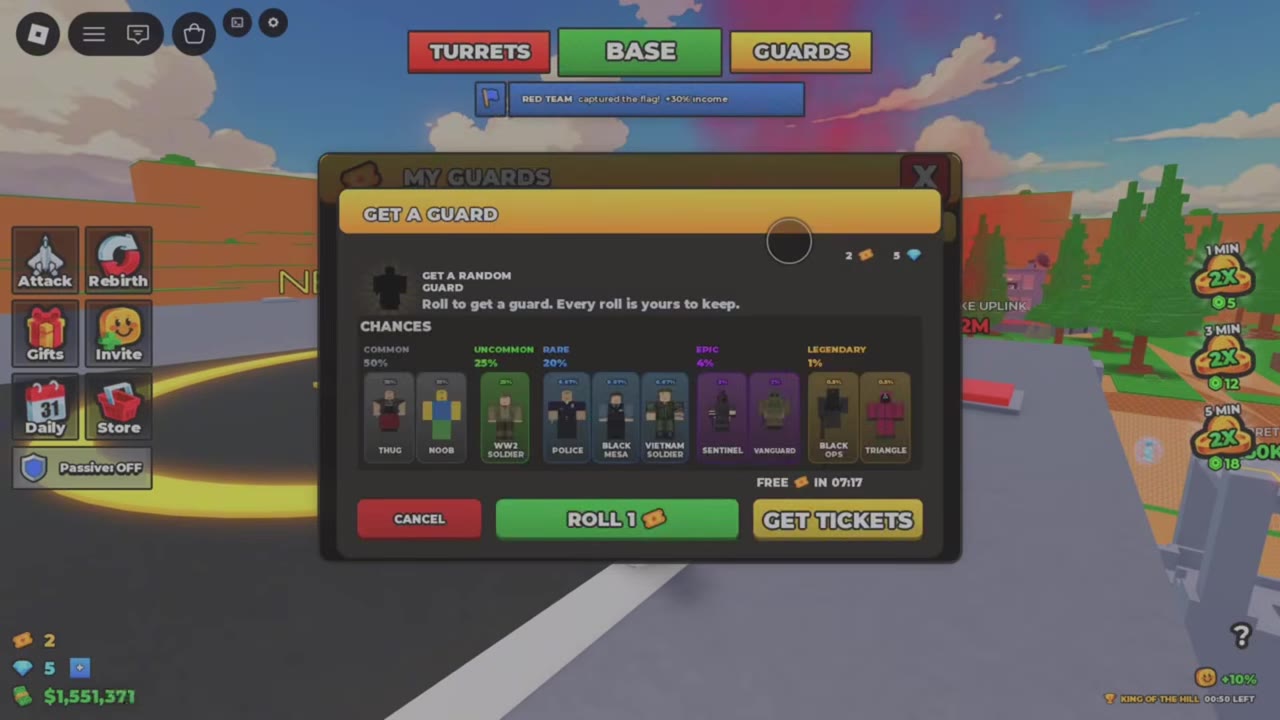
 Recruit NOOB and POLICE and Check Their Equipment Status▶ Watch demonstration
Rarity Roll Chances
GET A GUARD displays these chances for each recruitment roll:
| Rarity | Chance per roll |
|---|---|
| COMMON | 50% |
| UNCOMMON | 25% |
| RARE | 20% |
| EPIC | 4% |
| LEGENDARY | 1% |
These percentages apply to the rarity category. For example, the 20% RARE chance is not a 20% chance to get POLICE specifically. Use the roster’s rarity filter to see which guards belong to each category.
Check Which Guards Are Equipped
In MY GUARDS, look for EQUIPPED on a guard’s card. To equip an owned guard, select it and use the EQUIP button for that guard.
In the first NOOB recruitment example, confirming the result returns to a card already marked EQUIPPED. After a second roll produces POLICE, both guards appear equipped together. Check each card’s status after recruiting instead of assuming that owning a guard means it is equipped.
Your guards are kept through Rebirth, so you can build your collection before resetting your factory. See Rebirth requirements and resets when you are ready to restart production. For walls, laser doors and turrets, use the base defense guide.
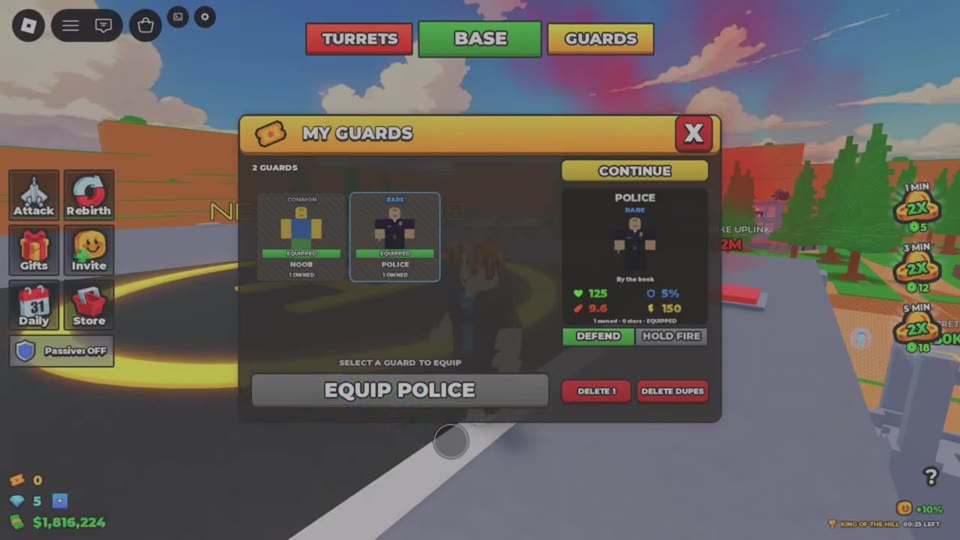
Choosing Between NOOB and POLICE
POLICE is the stronger choice on the displayed health, shield and attack attributes. Comparing NOOB’s first recruitment result, whose roster shows 0 stars, with the displayed POLICE recruitment attributes gives POLICE 25% more health and 20% more attack, plus a higher shield percentage. Their lightning-icon values are equal.
If you own both, check their EQUIPPED labels before replacing either: the recruitment example ends with both active in the roster. Use the individual entries to compare attributes under their listed conditions; this comparison applies to these two recruitment results.