
Base Defenses, Power Warnings and Turret Controls
Find defense purchase points, build Laser Doors, unlock Laser Fence access, read power-down alerts, and use SENTRY 25's controller commands.
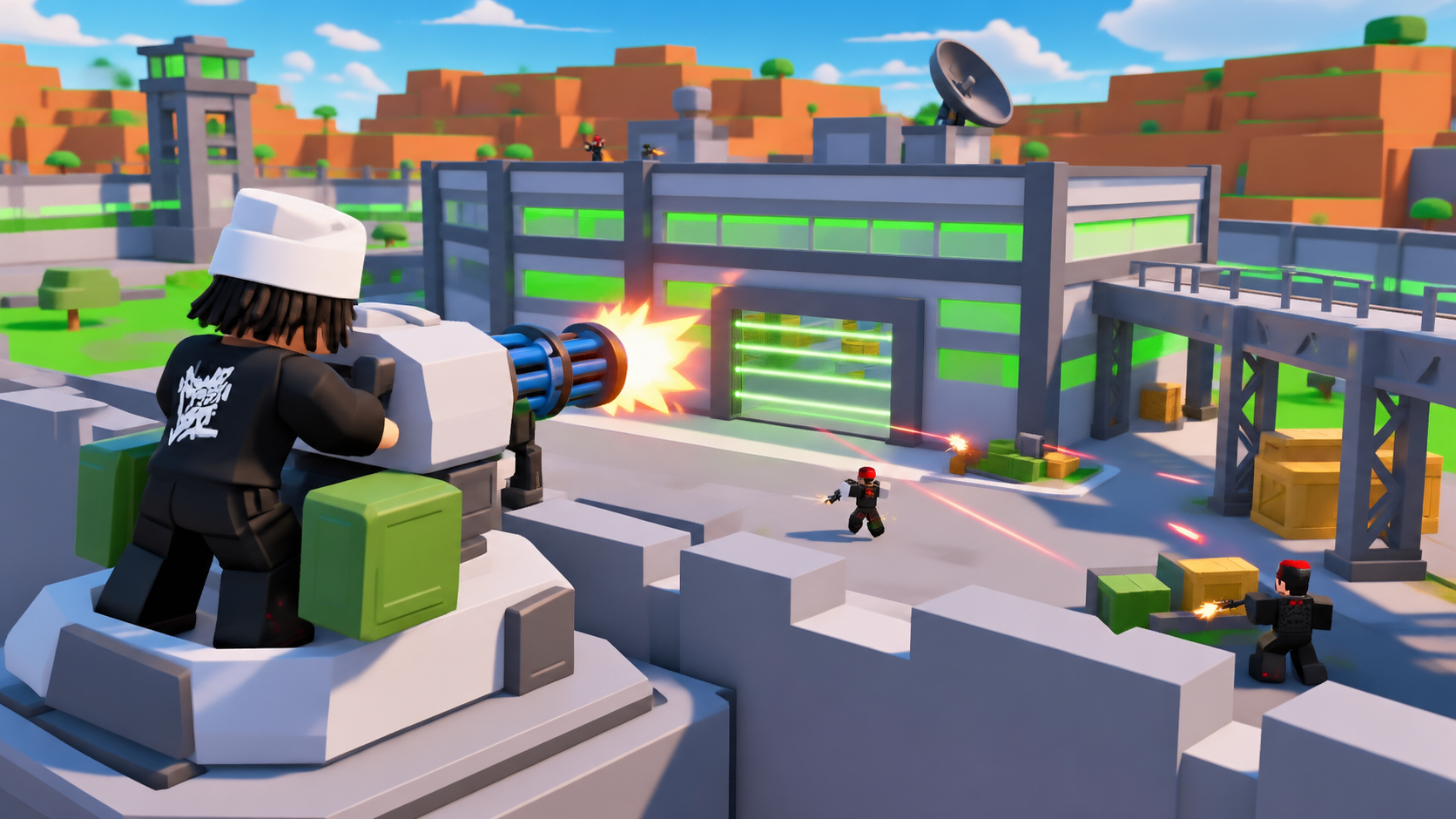
Laser Doors cost $2,500 cash, while the Laser Fence purchase point appears after you build Walkways. Defending your factory also means watching separate power warnings and using SENTRY 25 from the wall platform.
Build Laser Doors at the cyan doorway pad; buy $4,000 Walkways beside the outdoor weapon platforms to reveal the $5,000 Laser Fence point. When BASE UNDER ATTACK appears, check the entrance and each defense's countdown separately. At an accessible SENTRY 25, use Man Turret: the displayed controller layout uses □ to enter or exit, R2 to fire, and L2 to zoom.
Find Defense Purchase Points
Use the construction points on your side of the factory and bring enough cash for the purchase. The defense structures below include entrance barriers, perimeter defenses, and tower construction points.
Guard Tower and Turret Tower have different markers. Find the $100,000 Guard Tower purchase point on the grass outside the factory; its marker is also visible from the roof. For Turret Tower, look for the green ground arrows beside UNLOCK TURRET TOWER inside the base. TURRETS is the separate button at the top of the game screen.
For the building route through the upper floors, use Factory Floors, Roof Access and Helipad Construction.
Build Laser Doors and Reveal Laser Fence
Laser Doors have a purchase pad at the doorway. Laser Fence access follows a separate outdoor construction sequence.
- Build Laser Doors: bring $2,500 cash and step onto the cyan Laser Doors $2.5K pad beside the doorway. The pad disappears and bright green horizontal beams fill the gray doorframe.
- Find Walkways: head onto the grass beside the wall and three outdoor weapon display circles. Locate the white square WALKWAYS $4K pad.
- Buy Walkways: step onto the pad with $4,000 cash. Gray columns, dark lattice supports, and overhead beams appear, revealing the LASER FENCE $5K construction point.
- Budget for the fence: keep another $5,000 cash for that purchase point. Starting without Walkways, the two purchases require $9,000 cash total. If Walkways is already built, only the fence's $5,000 price remains.
If you are choosing your next purchase with limited cash, Laser Doors provide a lower-cost entrance barrier. Saving for Laser Fence access also means covering the Walkways prerequisite.
Respond to Attacks and Power-Down Alerts
BASE UNDER ATTACK can name the player shooting your gate power. You can receive this warning while away from the factory, including while carrying Oddball.
- Read the warning to identify the attacker and the gate-power target.
- Check the entrance from a defensive position. The high perimeter wall provides a position for looking and firing outward.
- Read each defense status separately. Several outages can appear at once, with different countdowns.
| Message | Meaning and response |
|---|---|
| BASE UNDER ATTACK | Someone is attacking your gate power. Check the entrance rather than treating the alert itself as confirmation that a defense is already down. |
| TURRET DOWN | A turret has a downtime indicator. Read its own displayed number. |
| LASER POWER DOWN | The message says doors open for 60 seconds. Watch the laser countdown while covering the opening. |
| GATE POWER DOWN | Gate power has its own remaining countdown. Continue watching the entrance until its status changes. |
| GATE POWER restored | Gate power has recovered; check any other defense warnings still showing. |
| IN COMBAT | This describes your character's combat state, separately from the defense outages. |
The laser and gate timers can disagree. For example, the laser timer can show 55 seconds while the gate timer shows 15 seconds. A gate-power warning also does not automatically mean you have lost turret control: SENTRY 25 can remain under player control while that warning counts down.
To understand the attacker's next steps after getting inside, see how factory raids and loot delivery work.
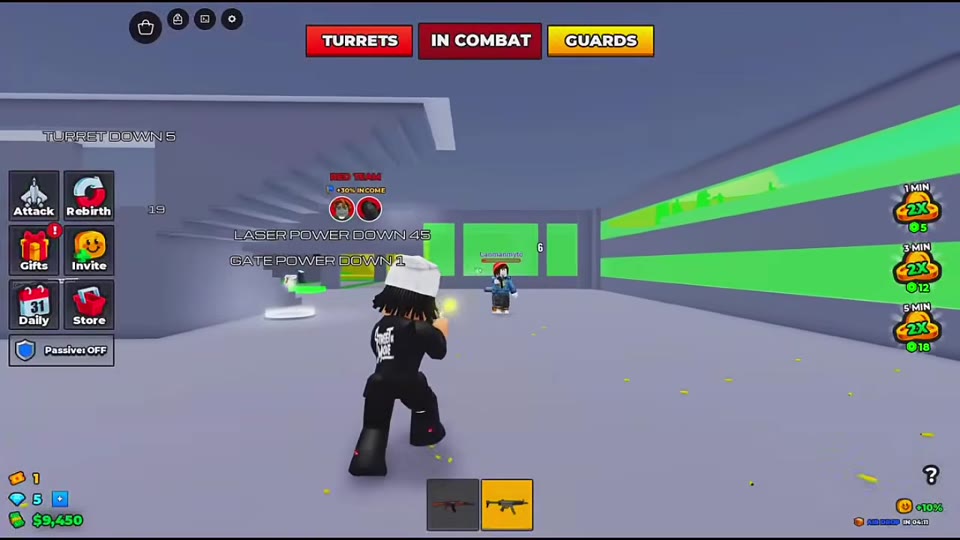
Enter and Control SENTRY 25
SENTRY 25 sits on a high platform along the base wall. Look for its white-gray body, blue multi-barrel guns, and green boxes.
- Reach an accessible turret and approach until Man Turret appears.
- Press □ on the displayed controller layout to enter. The bottom of the screen changes to SENTRY 25 with its control prompts.
- Turn the turret to aim across the factory, surrounding roads, or distant bases. Use R2 — FIRE and L2 — ZOOM. The same layout shows R1 — SWAP.
- Press □ — EXIT when you want to leave the turret.
While aiming, keep checking the defense warnings. Read TURRET DOWN separately from GATE POWER DOWN so you can distinguish turret downtime from a gate outage.
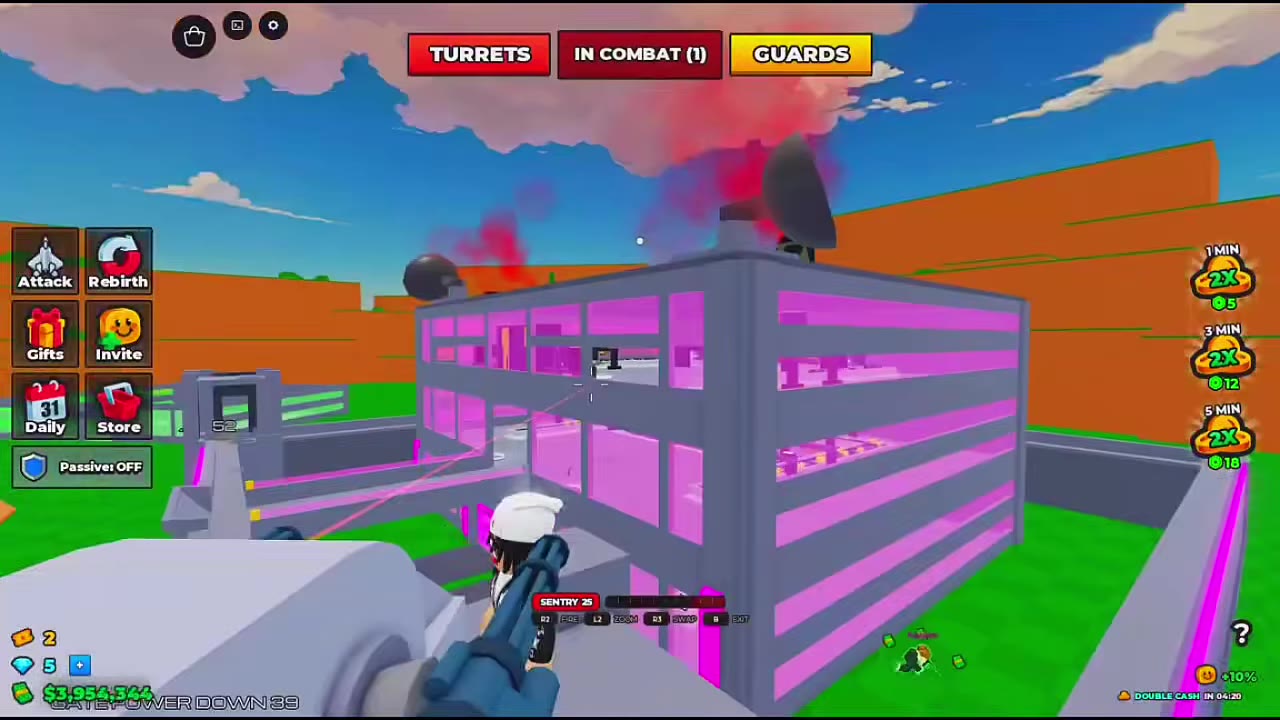 Approach, Enter, and Aim SENTRY 25▶ Watch demonstration
Plan Turret Unlocks and Add Guards
Later turret unlocks follow your Rebirth progress. The turret entries below show their requirements alongside SENTRY 25's controls.
Owned guards and turrets survive Rebirth, even though cash, machines, and floors on your side reset. Check Rebirth Requirements, Resets and Unlocks before starting that reset.
Guards add defenders to your factory, with recruitment rolls including Rare, Epic, and Legendary defenders. For recruitment, equipping, and individual guard details, use Guards: Recruitment, Rarities and Roster.