
How to Launch Airstrikes and Use Revenge Strike
Last updated:
Launch a $250K cash airstrike, read shield and cooldown timers, use Revenge Strike after a death, and check Predator Missile requirements.
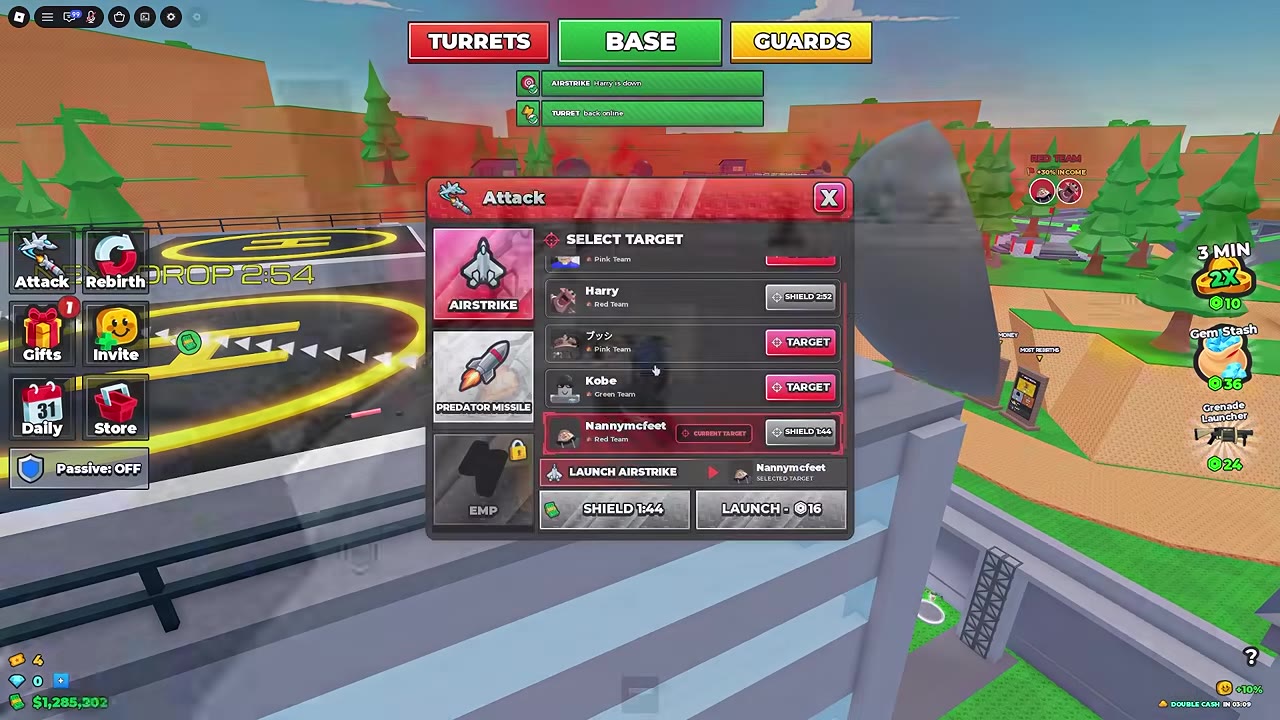
Open Attack, select a target, choose AIRSTRIKE, then select LAUNCH $250K. Check the target and fee before pressing Strike. After a death, use the AIRSTRIKE or REVENGE button beneath the killer notice to open the Robux purchase for Revenge Strike.
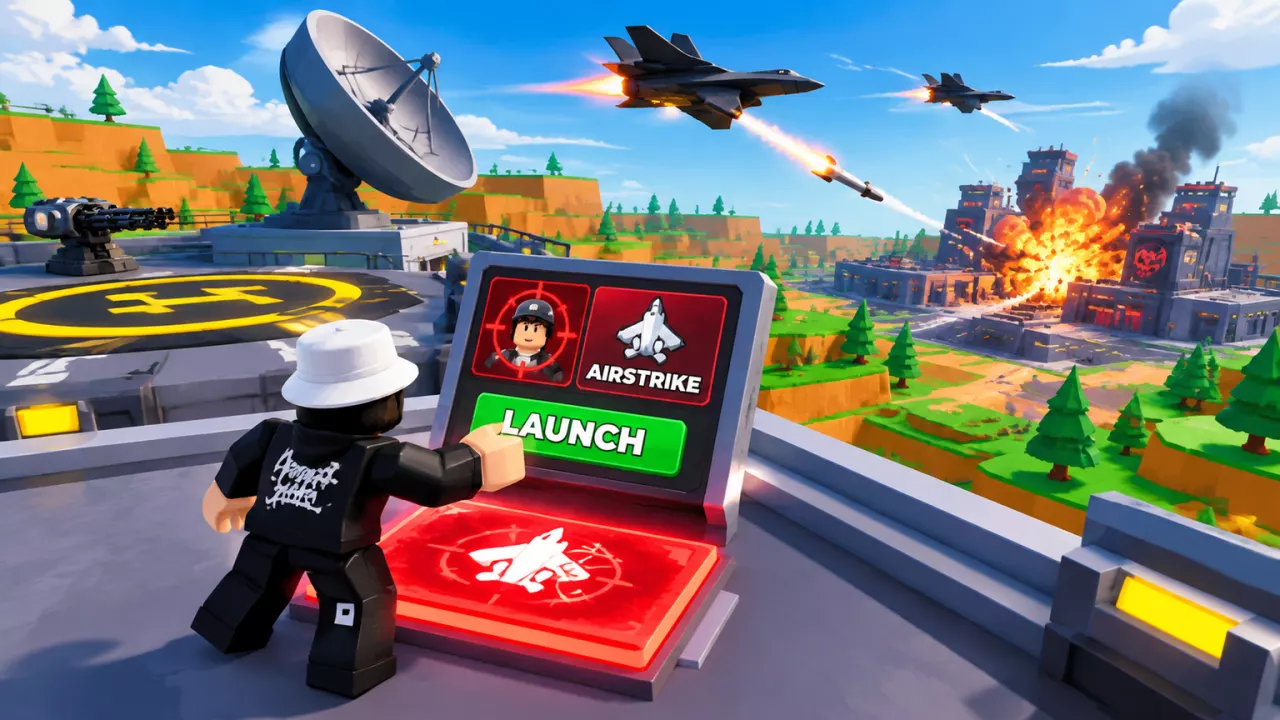
Airstrikes in 2 Player Raid Tycoon use a selected player target and a separate launch payment. Revenge Strike appears after another player kills you and uses its own purchase prompt.
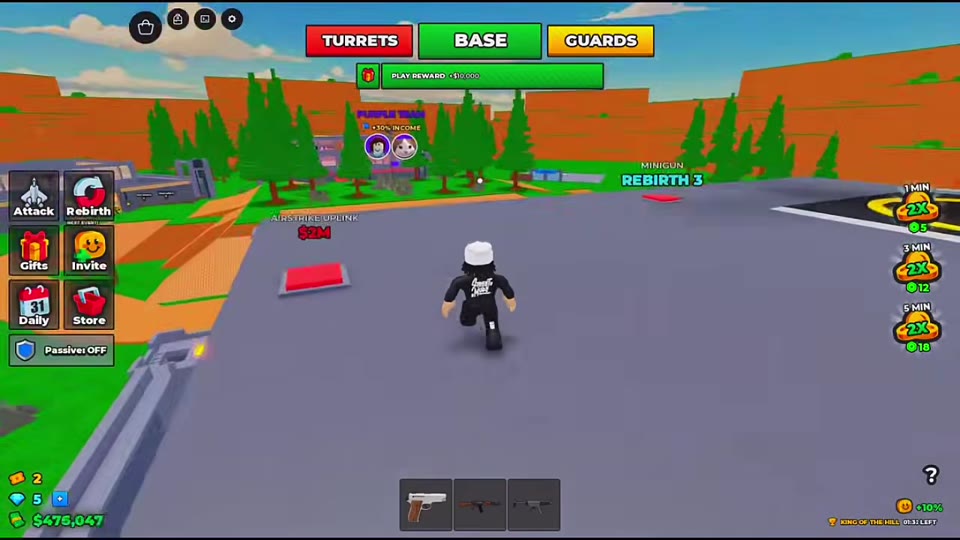
Find the Airstrike Uplink and check the cash costs
The red AIRSTRIKE UPLINK purchase pad is on the factory roof near the Helipad and Minigun pads. These are separate cash costs:
| Action | Cost | When it applies |
|---|---|---|
| Build Airstrike Uplink | $2M cash | Rooftop facility purchase |
| Launch AIRSTRIKE with cash | $250K cash | Each confirmed cash launch |
A Rebirth panel that tracks the Uplink can show NOT YET before ownership and OWNED after it is built. For the route to the roof, see factory floors and roof access; Rebirth requirements explains that panel.
Launch a $250K cash airstrike
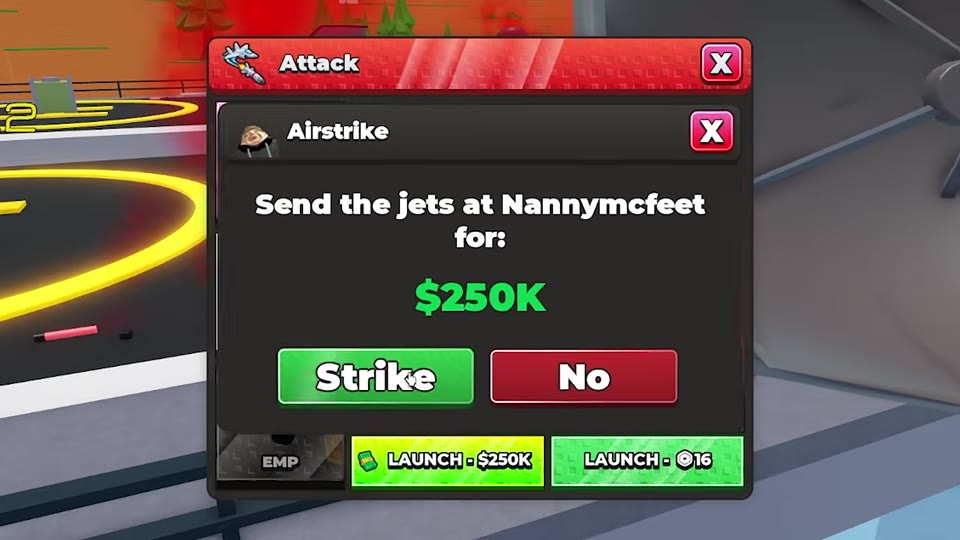
- Open Attack and select the intended player from the target list. Scroll if needed, then check the selected name or portrait.
- Choose AIRSTRIKE and select LAUNCH $250K.
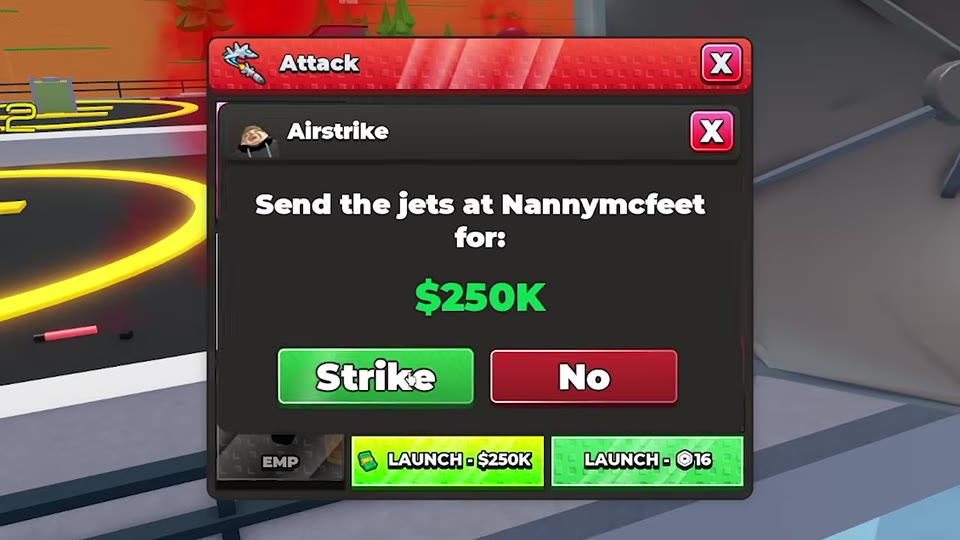
- Read the confirmation prompt to verify the target and $250K charge. Press Strike to confirm, or No to cancel.
- Check for the cash deduction and outgoing airstrike notification. If a target-down notification appears, it confirms the hit.
Before another launch, check the selected target’s shield status and the launch control. The rooftop terminal can also show a separate READY IN timer.
 Confirm a $250K airstrike and read the launch result▶ Watch demonstration
Read Robux prices, shields, and cooldowns
Displayed Robux offers depend on the interface and Plus status. Use the price shown in the purchase prompt for the option you select.
| Display | Amount or timer | What it means |
|---|---|---|
| AIRSTRIKE menu with an 8-Robux launch option | 8 Robux | Separate from the $250K cash launch |
| LAUNCH NOW with Plus active | 16 Robux | Price shown for that Plus offer |
| AIRSTRIKE target menu with no target selected | 19 Robux | Displayed launch offer; select a target before launching |
| Rooftop terminal showing READY IN | 52 seconds remaining | Example remaining cooldown, not the full cooldown length |
| Target showing SHIELD after a launch | 3:00 remaining | Example target protection timer |
SHIELD can replace a target button and gray out the cash launch control. READY IN refers to the terminal’s launch timer; read both when a launch is blocked. Do not assume a lit Robux button beside a shielded target bypasses the shield. If a purchase seems to have had no effect, check available uses, the launch control, and the outgoing notification before treating the strike as launched.
Buy Revenge Strike after a death
- While YOU WERE KILLED BY is visible, select the AIRSTRIKE plane button beneath it. Some death screens instead show a red REVENGE button.
- In the Revenge Strike purchase dialog, check the Robux price and press Buy. A dialog can show 19 Robux, or 16 Robux with Saving 3 with Plus and 19 crossed out.
- Look for the outgoing airstrike notification. If the target leaves, the revenge strike is saved instead of wasted.
The decreasing number beside a death-screen AIRSTRIKE, MISSILE, or BOMBER button is an entry countdown, not its Robux price or a strike quantity. Use AIRSTRIKE for the Revenge Strike steps above; the other buttons are separate options. If Roblox offers a Robux package during checkout, its dollar amount is the package price, not the Revenge Strike item price.
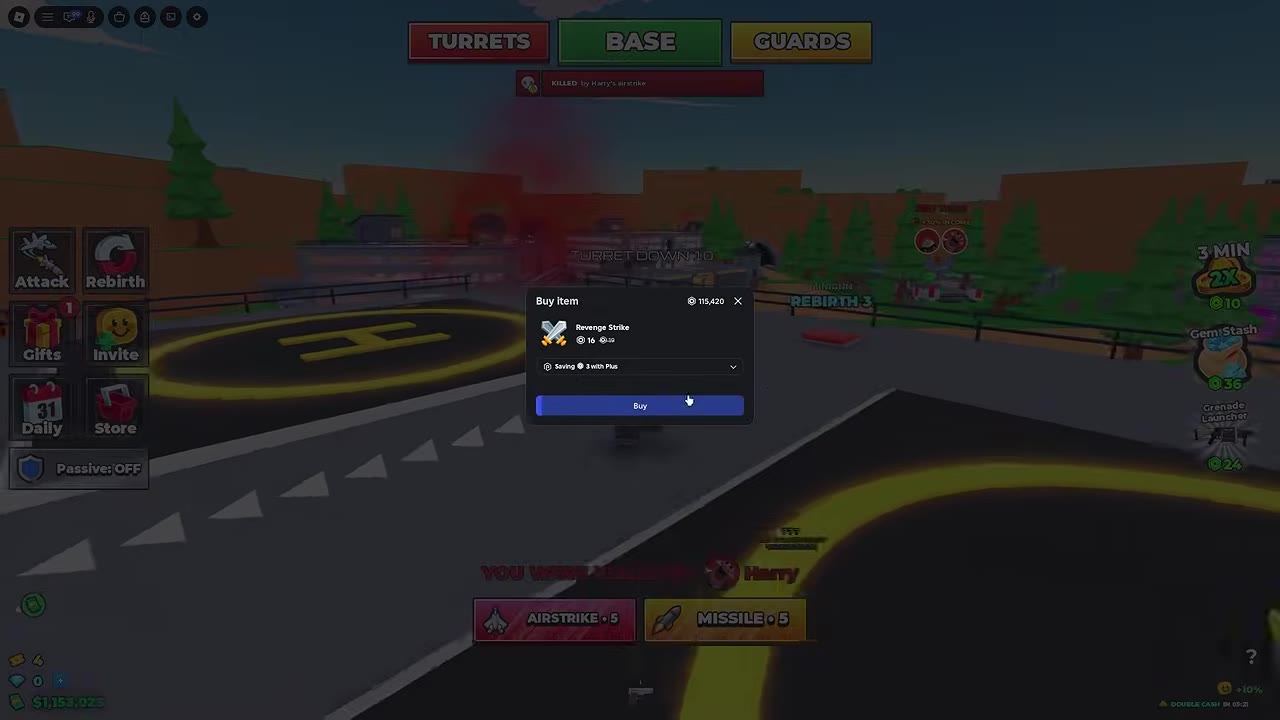
 Open and buy Revenge Strike after a death▶ Watch demonstration
Check Predator Missile and other Attack options
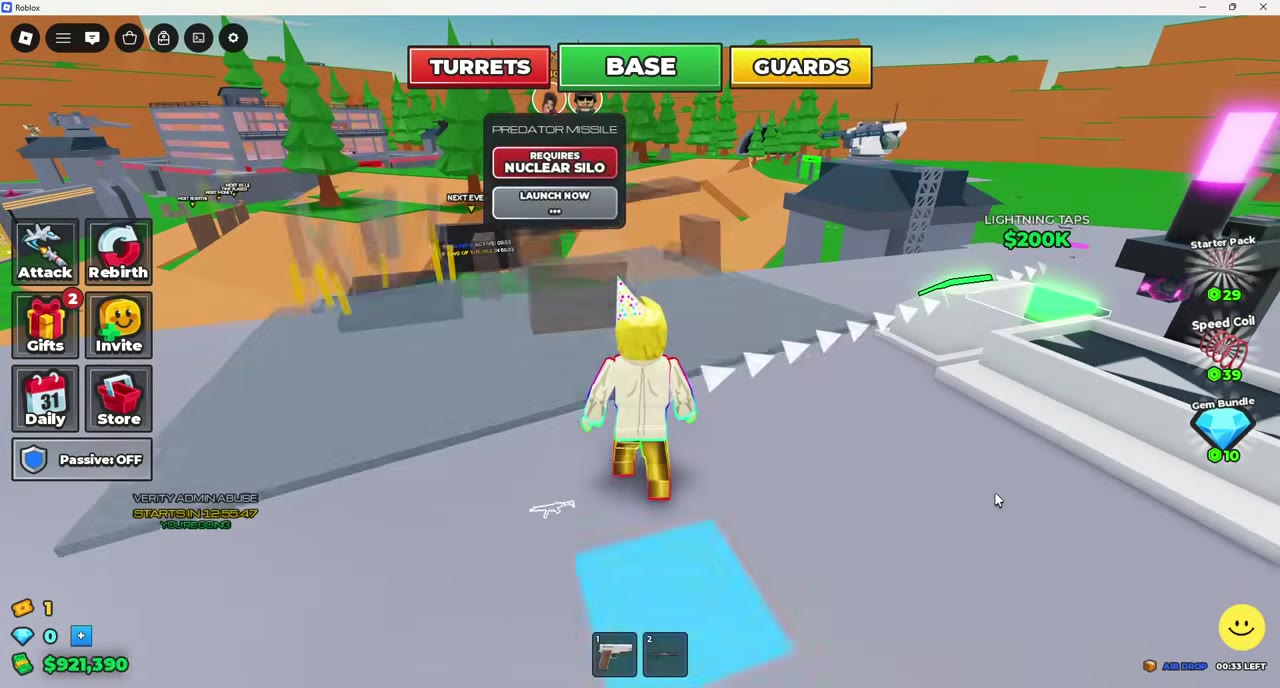
For Predator Missile, select the target in Attack first, then choose the missile. Its cash launch control displays Rebirth and Nuclear Silo requirements. A built Supercomputer has a missile control panel in its workstation, but that panel can still say REQUIRES NUCLEAR SILO. Its LAUNCH NOW control shows a currency icon beside 30; check the displayed purchase terms before paying. Missile hits produce hitmarkers. See factory upgrades for the Supercomputer purchase.
The Attack menu also lists B-2 CARPET BOMB, identified by a flying-wing icon, and EMP, identified by a dark device icon. Either can display a lock marker. The death-screen BOMBER button is a separate entry; its label alone does not identify it as the B-2 menu option.
Respond to an incoming airstrike
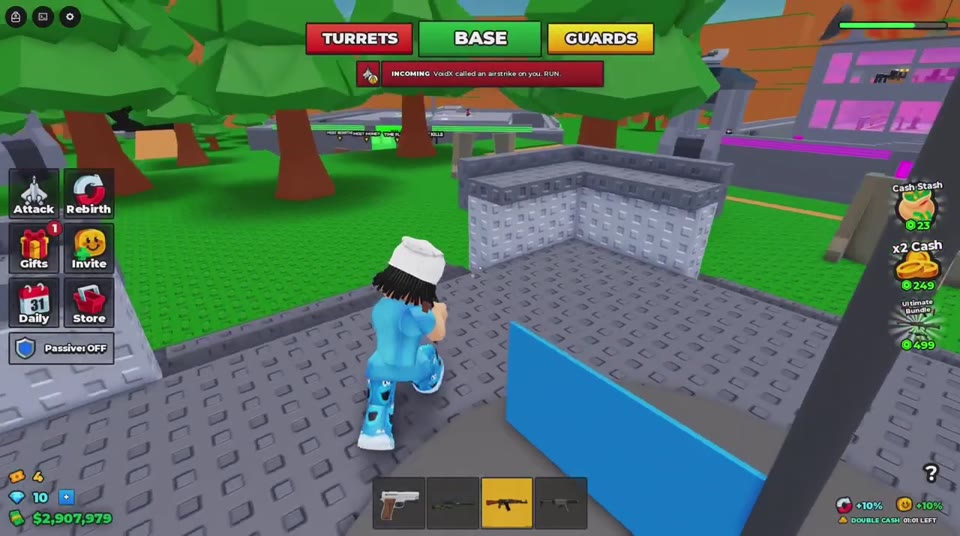
An INCOMING warning identifies the attacker and tells you to RUN. Move away when it appears; being inside the factory does not guarantee protection. For nearby combat and base protection choices, see combat tips and base defenses.
Does the $2M Airstrike Uplink purchase pay for an airstrike?
No. The $2M is the rooftop facility’s construction cost. A confirmed cash AIRSTRIKE launch costs $250K.
What happens to Revenge Strike if the target leaves?
The revenge strike is saved instead of wasted.