
How to Raid a Factory and Deliver Loot
Shoot entrance power, crack the enemy Safe, and bring loot to your own Safe door. Learn the delivery signals, separate power timers, and dropped-cash recovery.
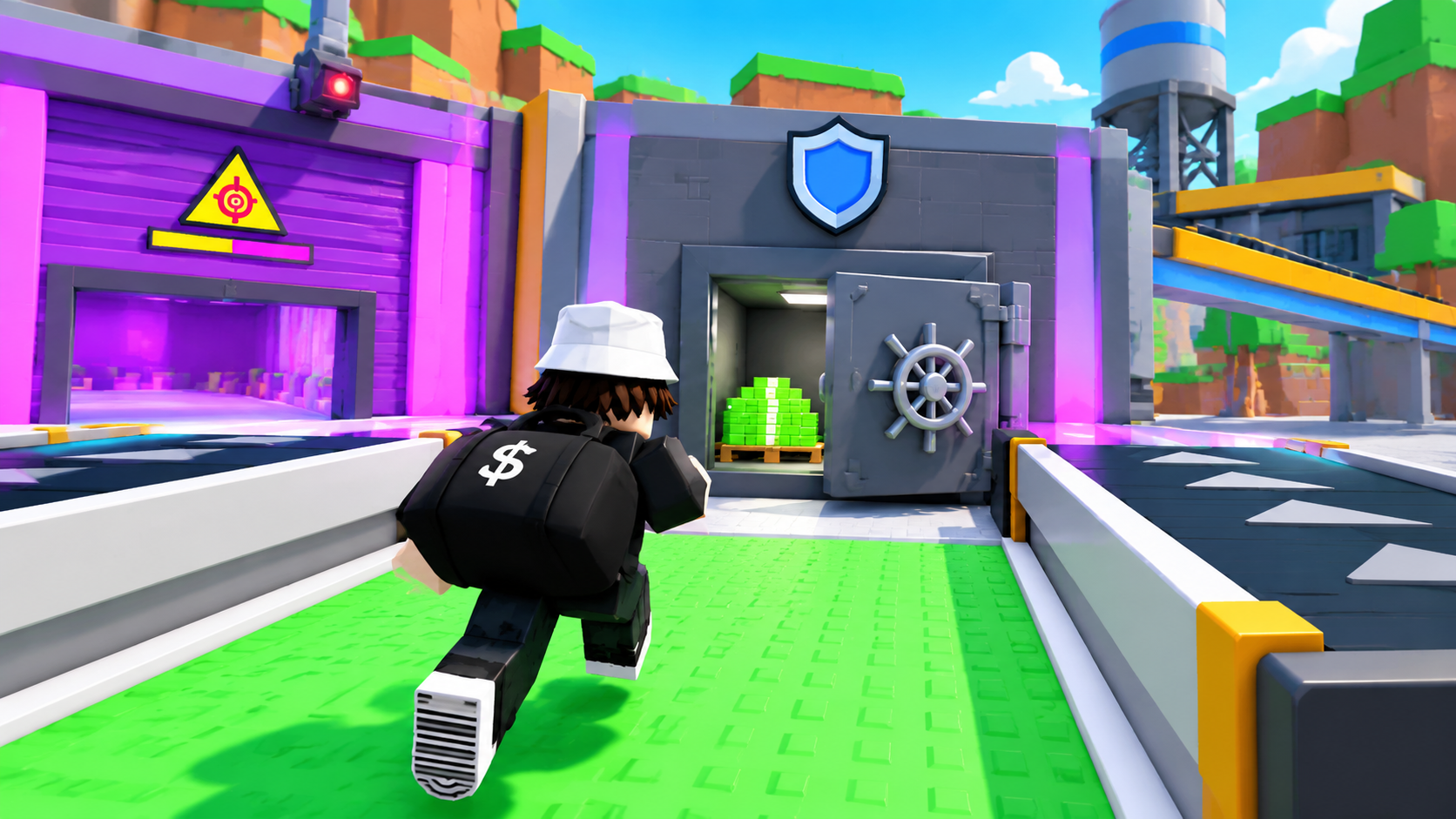
A factory raid ends when you deliver the loot to your home Safe. Reaching your base or crossing the green production collection area can leave you still carrying the bag.
Shoot the enemy entrance’s power device and enter while the passage is open. Hold Crack the Safe at the wheel handle, then touch the cash inside. Carry the bag home and move right up to your own Safe door. Bag delivered, the disappearing bag, and BASE replacing CARRYING LOOT confirm delivery.
Find and Shoot the Entrance Power Device
Equip a gun before heading to a rival factory. If you need one, check where to get weapons.
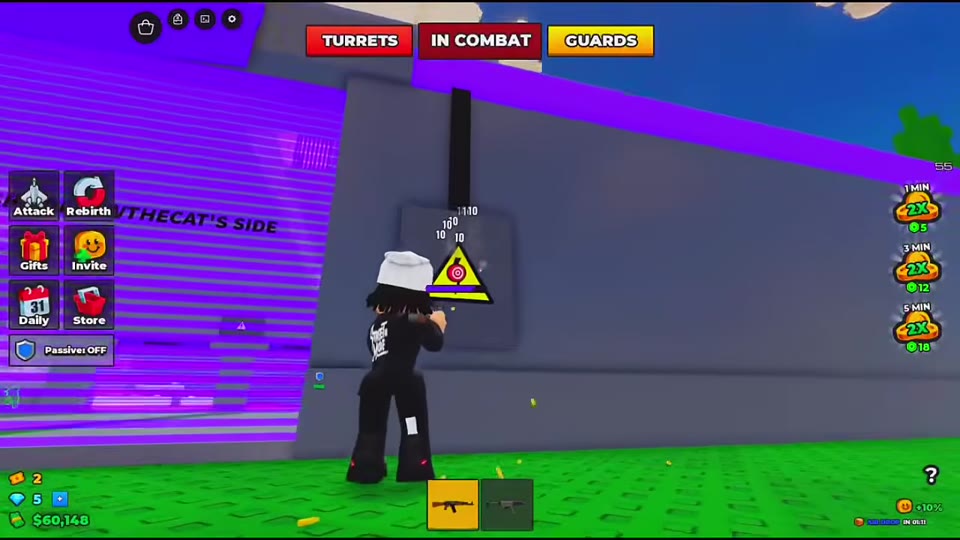
- Look around the entrance for a wall-mounted device with a lightning warning. The purple entrance has a triangular warning shape, a red target marker, and a horizontal status bar.
- Aim at the device and shoot it. Its position varies: at the Blue Team entrance, the target sits above the space between two blue barriers. Both pistol and rifle fire are used against it.
- Check for GATE POWER DOWN or LASER POWER DOWN and an open passage before moving inside.
Attacking gate power can send the defending team a BASE UNDER ATTACK alert that identifies you and says what you are shooting. Be ready for defenders to respond.
Enter During the Power-Down Window
Use the remaining countdown at the entrance you are approaching. If the passage is already open, take that opening and head toward the ground-floor conveyors.
| Indicator | What it means for entry |
|---|---|
| LASER POWER DOWN | The message states that doors open for 60 seconds. The countdown shows how much of that window remains. |
| GATE POWER DOWN | Gate power has its own remaining countdown. Read it separately from the laser timer. |
| GATE POWER restored | The gate-power outage has ended. |
The timers can differ at the same moment. During the Pink Team approach, the laser timer shows 55 seconds while the gate timer shows 15 seconds. Do not treat the laser message as a fresh 60-second window for every barrier.
An open entrance still leaves you exposed to defenders inside. Keep your gun ready as you move toward the Safe; combat tips cover aiming and repositioning.
Crack the Safe and Pick Up the Cash
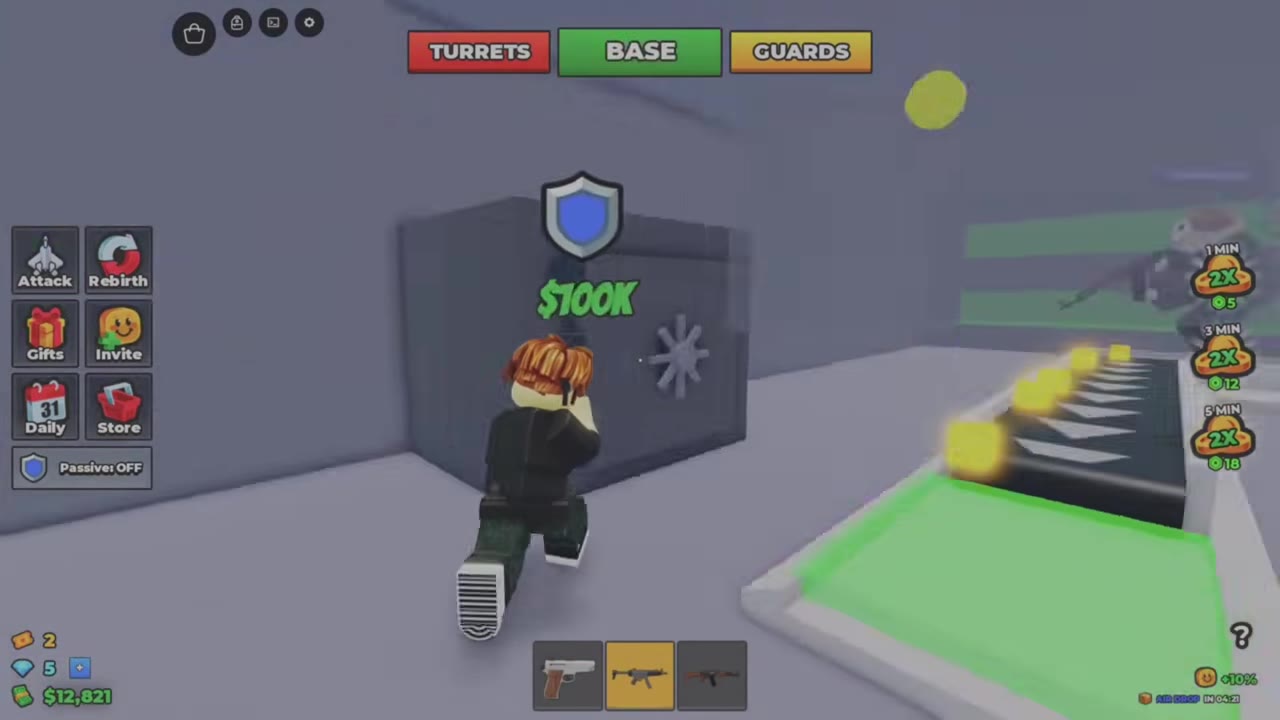
Find the large gray Safe beside the ground-floor conveyors. It has a wheel on its door and a blue shield marker above it.
- Move close to the wheel handle until Crack the Safe appears.
- Hold the control shown by the interaction prompt until the circular progress fills and the door opens.
- Walk inside and touch the green cash stacks on the wooden pallet.
- Confirm that a black bag appears on your back and the top status changes to CARRYING LOOT. The RAID notification gives the bag’s amount and tells you to get it home.
Opening the door and collecting the cash are separate actions. Once you have the bag, you still need to make the return trip before delivery is complete.
Return to Your Safe and Confirm Delivery
Move right up to your home Safe’s door. Crossing the green collection area in front of it can leave the bag on your back.
- Leave the raided factory and return to your own side of your home factory. Use your side’s entrance to reach the production floor.
- Find the blue shield marker above your Safe. In the Pink Team return shown in the video, the player follows yellow arrows around the left of the central staircase to reach it between two conveyors.
- Continue through the green floor area and approach the Safe door closely.
- Look for Bag delivered and the cash reward. The bag disappears, and BASE replaces CARRYING LOOT at the top of the screen.
If you are home but still carrying the bag, continue to the Safe door instead of stopping at the production collection point. Use the delivery notification to confirm the handoff.
While carrying loot, you can still move and switch into or out of a gun’s scoped view.
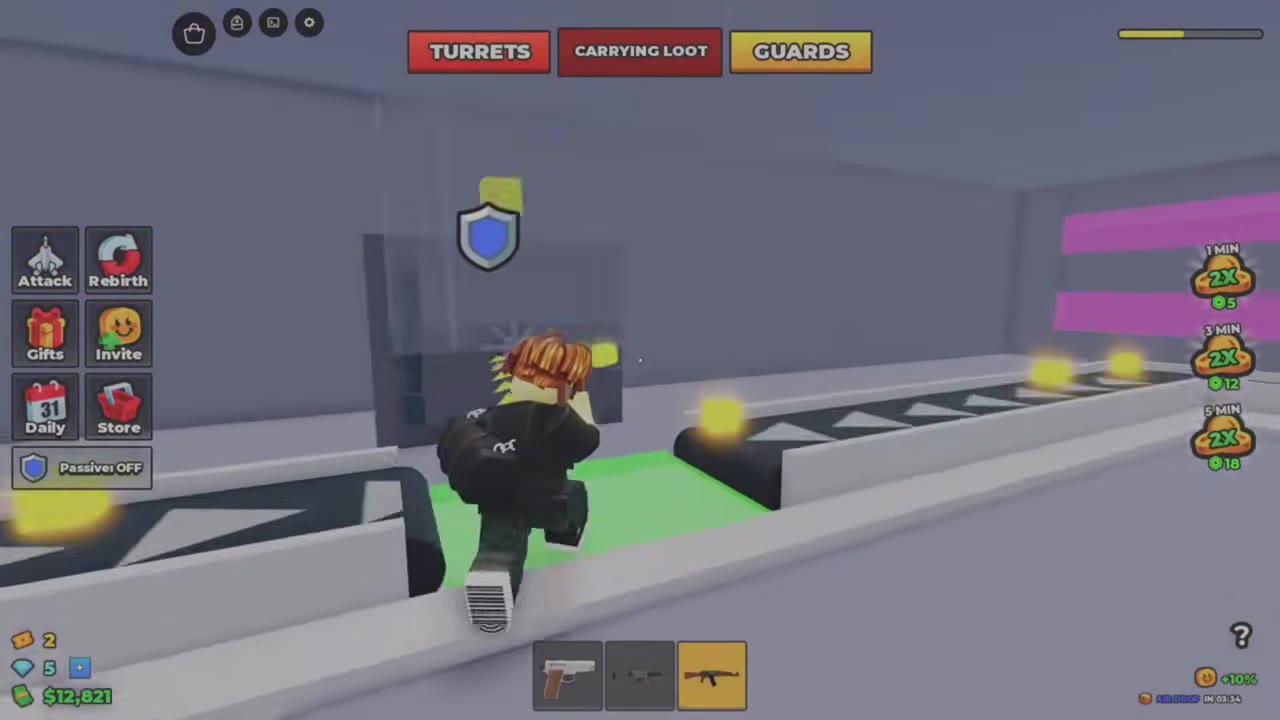 Carry the Loot Home and Deliver It at the Safe▶ Watch demonstration
Read the Bag Amount and Delivery Reward Separately
Read the RAID notification for the amount you picked up and the Bag delivered notification for your personal payout. The amount above a Safe is a separate display.
| Raid example | Stage | Cash shown |
|---|---|---|
| Green Team raid, returned to the Pink Team home Safe | Safe before cracking | $100K |
| Same Green Team raid | Bag pickup | $100K |
| Same Green Team raid | Personal delivery reward | $50,000 |
| Later purple-factory raid | Safe before cracking | Approximately $6.4K–$6.6K |
| Same purple-factory raid | Bag pickup | Approximately $5.5K |
These are amounts from those individual runs, not a fixed payout schedule. Use your own pickup and delivery messages rather than applying a universal split. The $100K pickup message describes cash in the bag, not a fee for opening the Safe.
Recover Your Cash From a Dropped Bag
When BAG DROPPED says another player dropped your cash, follow its instruction: Touch the bag to get it back.
- Move to the dropped bag containing your cash and touch it.
- Check for the green cash-return notification to confirm recovery.
This recovers your stolen cash; carrying enemy loot home is a separate task. To recognize attacks on your own entrance and manage defenses, see base defenses and power warnings.